When you turn on Bluetooth on your iPhone, the name that others will see is the name that you have set for your iPhone.
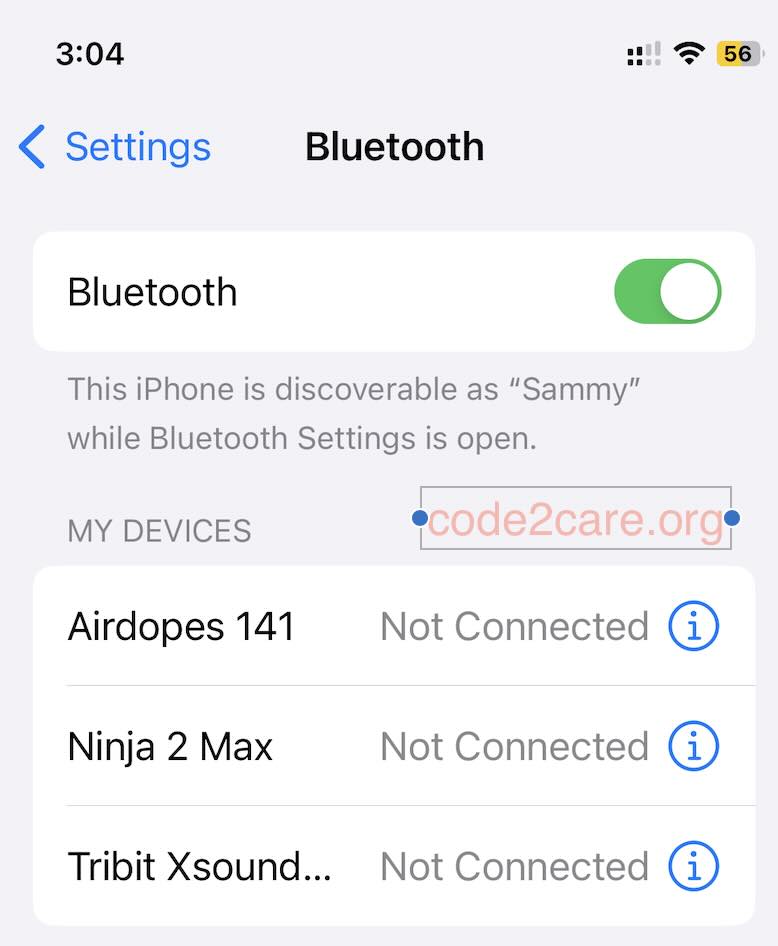
So in order to change the name of the Bluetooth you need to change your iPhone name.
Below are the steps to change the name of your iPhone as it appears to others as Bluetooth name.
- Go to Settings app on your iPhone.
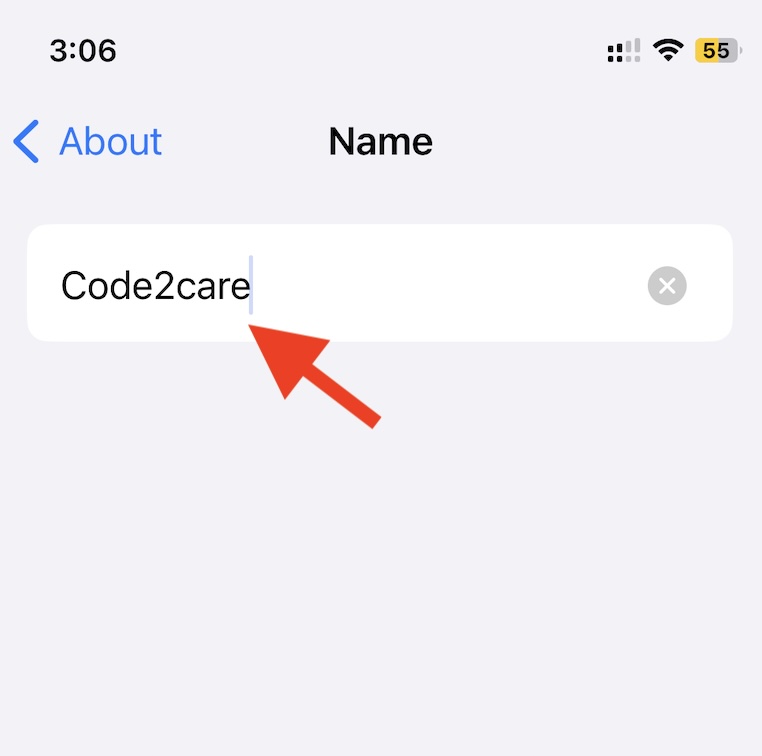
- Tap on General > About > Name.
- Enter the name that you want to set for your iPhone.
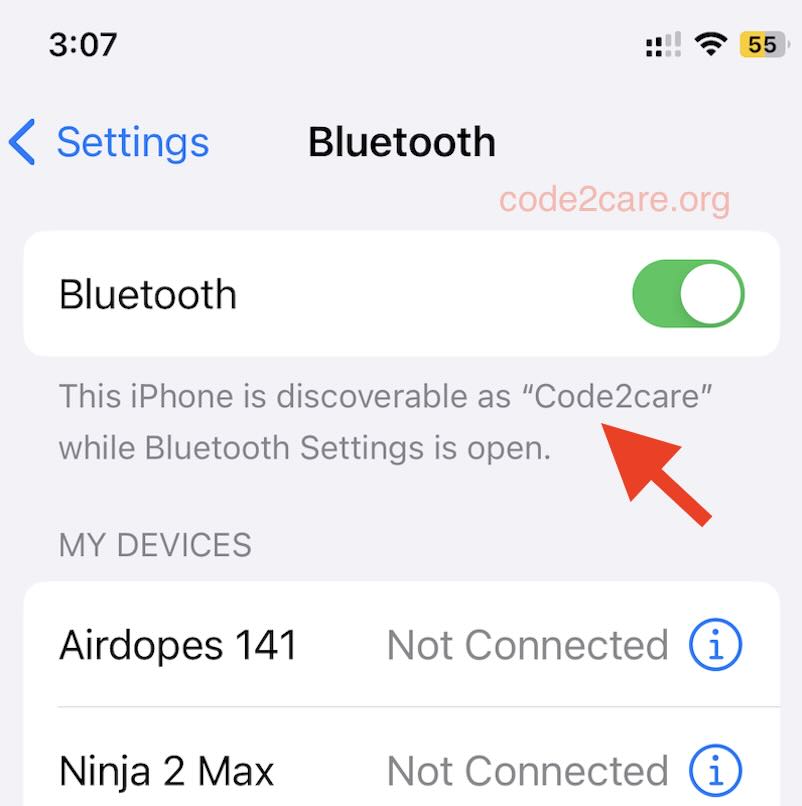
Now when you turn on Bluetooth and see the name that is being discovered by others is Code2care.

This is not an AI-generated article but is demonstrated by a human on an iPhone 12 Mini running iOS 17.0.1
Please support independent contributors like Code2care by donating a coffee.
Buy me a coffee!
Comments & Discussion
Facing issues? Have questions? Post them here! We're happy to help!