If you want to change the name of your iPhone, you can do that by following the below easy steps.
- Unlock your iPhone.
- Go to Settings App.
- Now tap on About
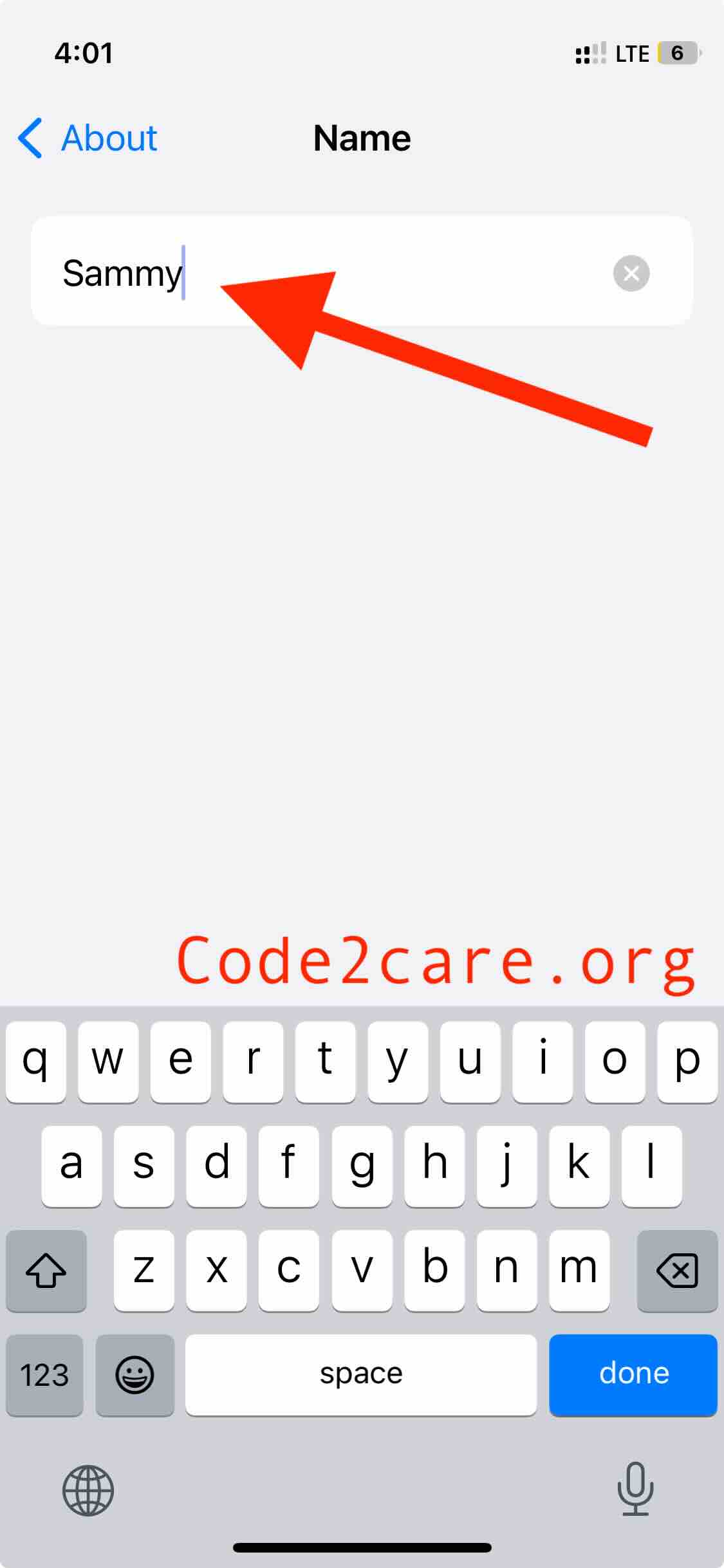
- Tap on Name and you should be able to edit your iPhone Name.
- Close the Settings App.

This is not an AI-generated article but is demonstrated by a human on an iPhone 12 mini running iOS 17 beta.
Please support independent contributors like Code2care by donating a coffee.
Buy me a coffee!
Comments & Discussion
Facing issues? Have questions? Post them here! We're happy to help!