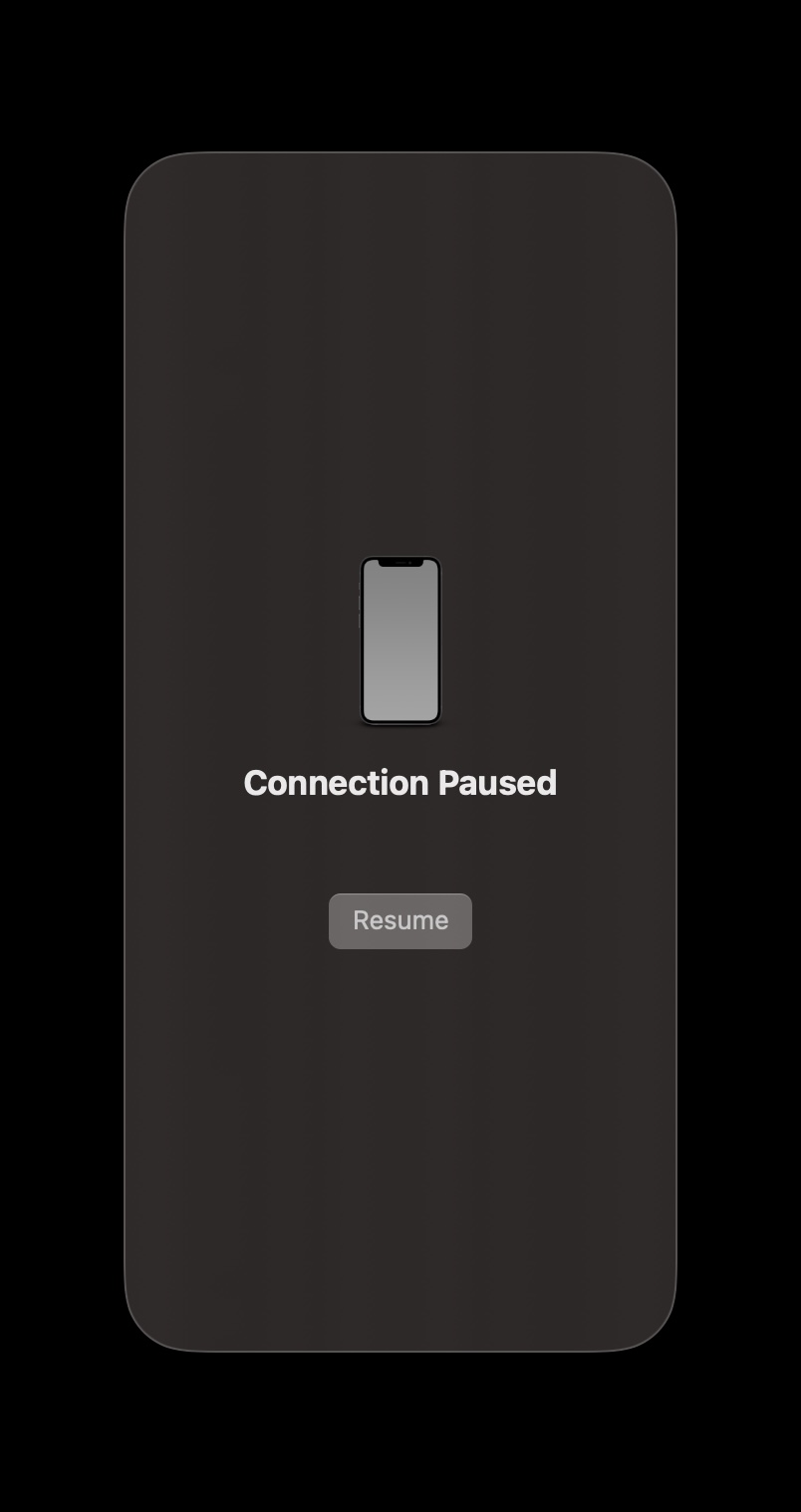
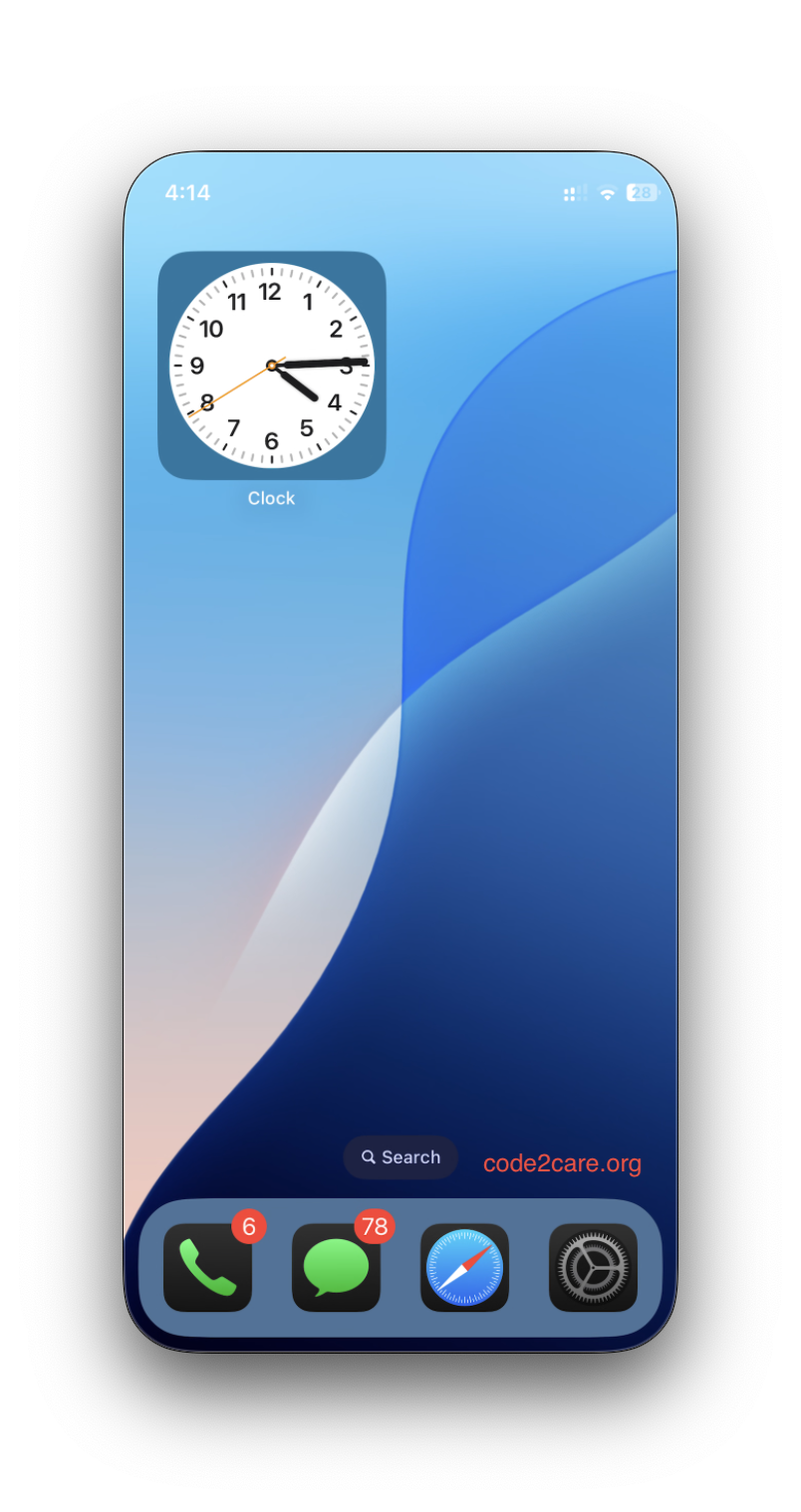
This may happen when the Mirroring app is in the background and not in use for a long time. You can simply click on the resume button, and you should be able to see your iPhone home screen again. If it does not work, follow these steps:
Troubleshooting iPhone Mirroring in macOS Sequoia
- Unlock your iPhone, then lock it again.
- Quit the iPhone Mirroring app, then open it again.
- Make sure you have Installed the latest software updates for Mac and software updates for your iPhone.
- Restart your Mac and iPhone.

This is not an AI-generated article but is demonstrated by a human.
Please support independent contributors like Code2care by donating a coffee.
Buy me a coffee!
Comments & Discussion
Facing issues? Have questions? Post them here! We're happy to help!