
If you were trying to login to your iCloud account on your iPhone, iPad or Mac and you might at times get the below "an unknown error occurred" error

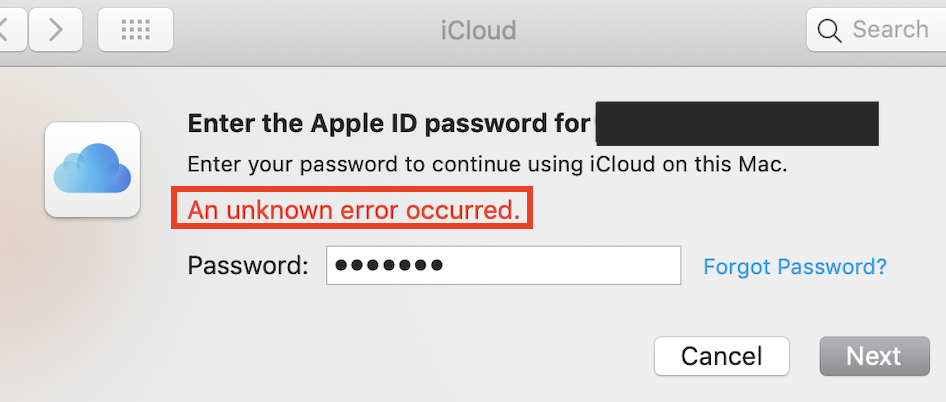
How to Fix iCloud "an unknown error occurred with Apple ID"
Below are some steps, some of them should work for you,
- iOS: Restart the Setting App and try again.
- On macOS: Go to *System Preferences... -> Internet Accounts and try the iCloud Account.
- Make sure you have a stable internet connection.
- Try switching to some other Network: Wifi/4G/5G Cellular connection.
- Restart your device.
* On macOS Ventura System Preferences has been replaced by System Settings
Provide Feedback For This Article
We take your feedback seriously and use it to improve our content. Thank you for helping us serve you better!
😊 Thanks for your time, your feedback has been registered!
Comments & Discussion
Facing issues? Have questions? Post them here! We're happy to help!