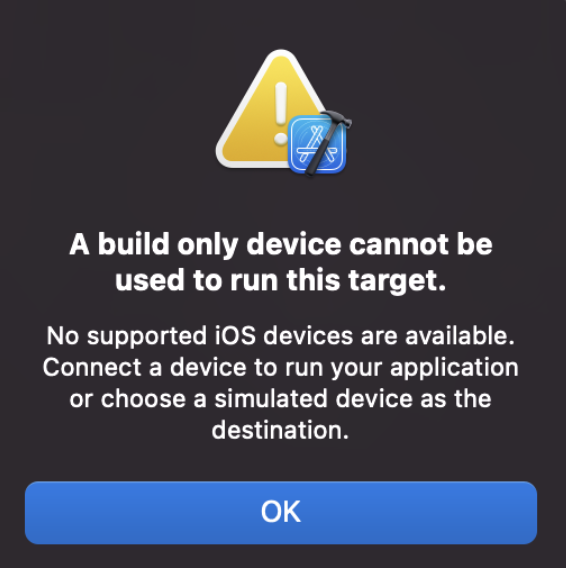
While trying to build the iOS Application on Xcode 18, I go the below error.
A build only device cannot be used to run this target.
No supported iOS devices are available. Connect a device to run your application or choose a simulated device as the destination.
I got the below errors under "Signing & Capabilities" tab.
Provisioning Profile Xcode Managed ProfileStatus:
Failed Registering Bundle Identifier
The app identifier "com.example.app" cannot be registered
to your development team because it is not available.
Change your bundle identifier to a unique string to try again.
No profiles for 'com.example.app' were found
Xcode couldn't find any iOS App Development provisioning
profiles matching 'com.example.neo'.
Fix:
All I did was change the "Bindle Identifier" to a unique one and clicked "Try Again" and the error was gone!
This is not an AI-generated article but is demonstrated by a human on an M1 Mac running macOS Sonoma 14.0.
Please support independent contributors like Code2care by donating a coffee.
Buy me a coffee!
Comments & Discussion
Facing issues? Have questions? Post them here! We're happy to help!
Provide Feedback For This Article
We take your feedback seriously and use it to improve our content. Thank you for helping us serve you better!
Thanks for your feedback! If you have time, please provide details by selecting options below.
😊 Thanks for your time, your feedback has been registered!

Comments & Discussion
Facing issues? Have questions? Post them here! We're happy to help!