
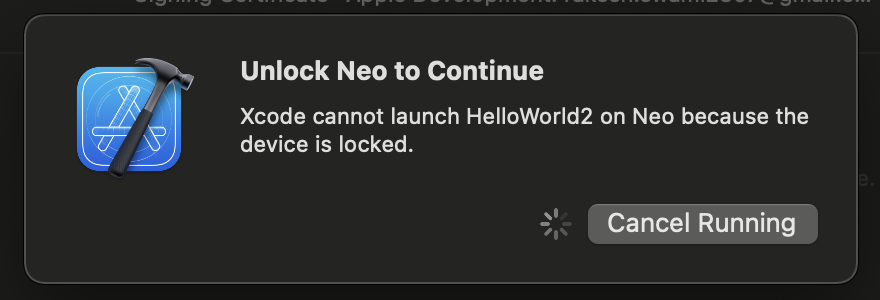
Unlock iPhone to Continue
Xcode cannot launch App on iPhone because the device is locked.
If you are trying to build and run an application that you are building using Xcode on your Macbook device, you may get this error if the iPhone/iPad device that you have connected to your computer is locked. It may so happen that by the time the build is done your device got locked.
Solution:
Simply unlock your phone and run the app - it should get installed and get displayed!
⚠️ You can also increase the auto-lock time to make sure that your phone does not go into idle mode too soon. You can do so by doing the below -
- Go to Settings on your iOS device,
- Go to Display & Brightness,
- Change Auto-Lock time from 30 seconds to what you want it to be!
Provide Feedback For This Article
We take your feedback seriously and use it to improve our content. Thank you for helping us serve you better!
😊 Thanks for your time, your feedback has been registered!
Comments & Discussion
Facing issues? Have questions? Post them here! We're happy to help!