
If your iPhone does not show any network signal but instead displays "SOS" or "SOS Only" at the top Status Bar instead of LTE or 5G, well then your device is not connected to a cellular network but yet you can still make emergency calls.
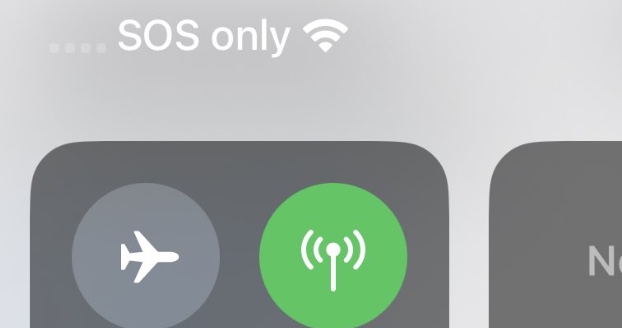
Steps to troubleshoot/fix SOS, No Coverage
- Make sure your sim card is inserted properly.
- Make sure you are in a region that has good cellular network coverage.
- If your sim card is inserted properly and yet you see no service on your iPhone, try to turn it off and then off your cellular data.
- If you are traveling or away from your home country, turn on the roaming option under Settings -> Cellular -> Cellular Data Options -> Data Roaming.
Provide Feedback For This Article
We take your feedback seriously and use it to improve our content. Thank you for helping us serve you better!
😊 Thanks for your time, your feedback has been registered!
Comments & Discussion
Facing issues? Have questions? Post them here! We're happy to help!