Follow these steps to remove a Mac from your iPhone's mirroring options:
- On your iPhone, go to Settings.
- Tap General.
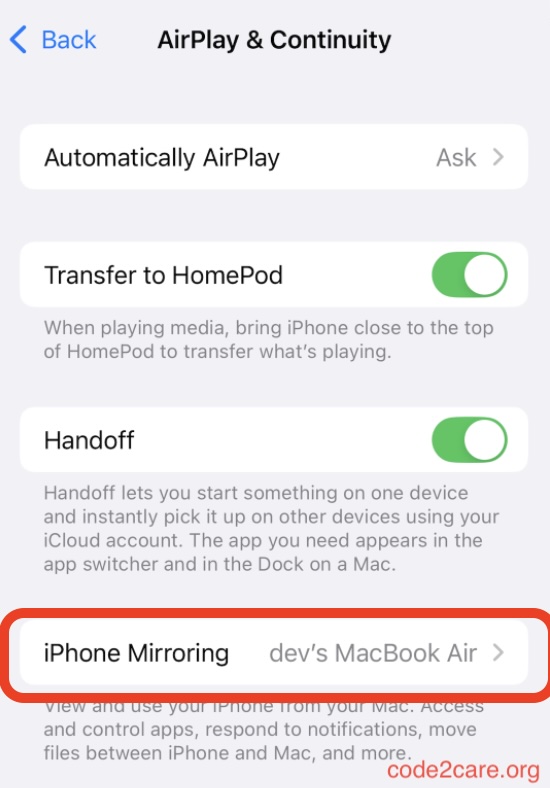
- Tap AirPlay & Continuity, then tap iPhone Mirroring.
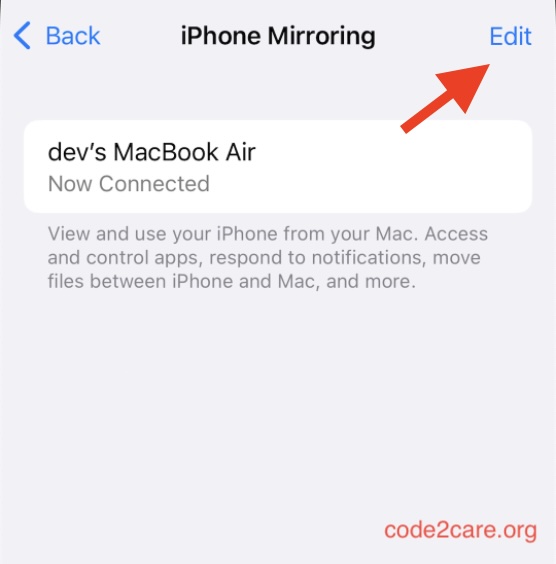
- Tap Edit in the top right corner.
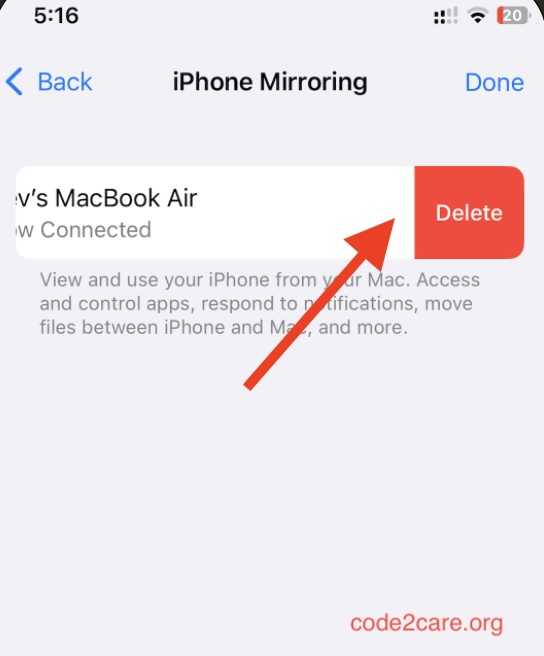
- Select the Mac you want to remove from the list.

This is not an AI-generated article but is demonstrated by a human.
Please support independent contributors like Code2care by donating a coffee.
Buy me a coffee!
Comments & Discussion
Facing issues? Have questions? Post them here! We're happy to help!