- Open the Terminal application on your Mac
- Type the following command and press Enter:
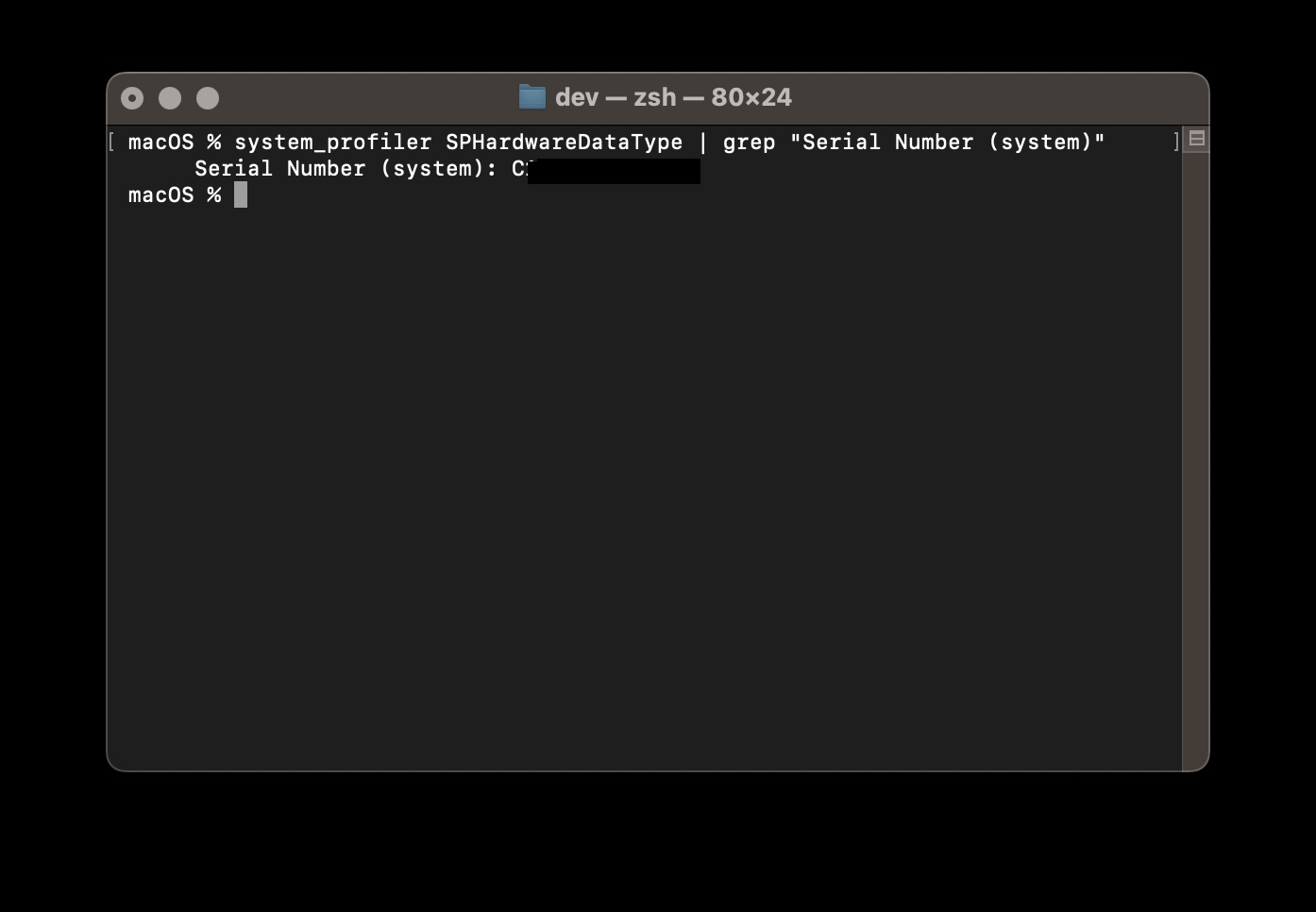
system_profiler SPHardwareDataType | grep "Serial Number (system)" - The serial number of your Mac device will be displayed in the output
- Alternatively, you can use this shorter command:
ioreg -l | grep IOPlatformSerialNumber - The serial number will be shown next to "IOPlatformSerialNumber"
Example:macOS % ioreg -l | grep IOPlatformSerialNumber | "IOPlatformSerialNumber" = "C1XXXXXXXXXL4"
One might need the Mac's serial number for various reasons, such as warranty verification, technical support, and device identification.
While you can find this information through the Apple menu or on the physical device, using the Terminal provides a quick and efficient method, especially for system administrators or when managing multiple devices.
The Terminal approach is particularly useful in remote troubleshooting scenarios, automated scripts, or when the graphical interface is inaccessible. It also demonstrates the power and flexibility of the command-line interface in accessing system information directly.

This is not an AI-generated article but is demonstrated by a human on macOS 15 Sequoia.
Please support independent contributors like Code2care by donating a coffee.
Buy me a coffee!
Comments & Discussion
Facing issues? Have questions? Post them here! We're happy to help!