Just like every year, I format my MacBook and reinstall the latest macOS; this year it is macOS Tahoe 26. By doing so, I try to keep clean up the mess I have accumulated over the year.
One of the first things I make use of is Homebrew - the package installer for Mac.
If you try to run brew command on a new or formatted Mac, you will get an error saying brew not found.
So the first thing you must do is install brew using the curl you get from its official website: https://brew.sh
/bin/bash -c "$(curl -fsSL https://raw.githubusercontent.com/Homebrew/install/HEAD/install.sh)"Important:
Once the installation is done, you need to make sure to run a few echo and eval commands you will see on your terminal.
==> Next steps:
- Run these commands in your terminal to add Homebrew to your PATH:
    echo >> /Users/dev/.zprofile
    echo 'eval "$(/opt/homebrew/bin/brew shellenv)"' >> /Users/dev/.zprofile
    eval "$(/opt/homebrew/bin/brew shellenv)"
- Run brew help to get started
- Further documentation:
    https://docs.brew.sh
Once done, run the brew version command to see if brew got installed correctly.
% brew --version
Homebrew 4.6.11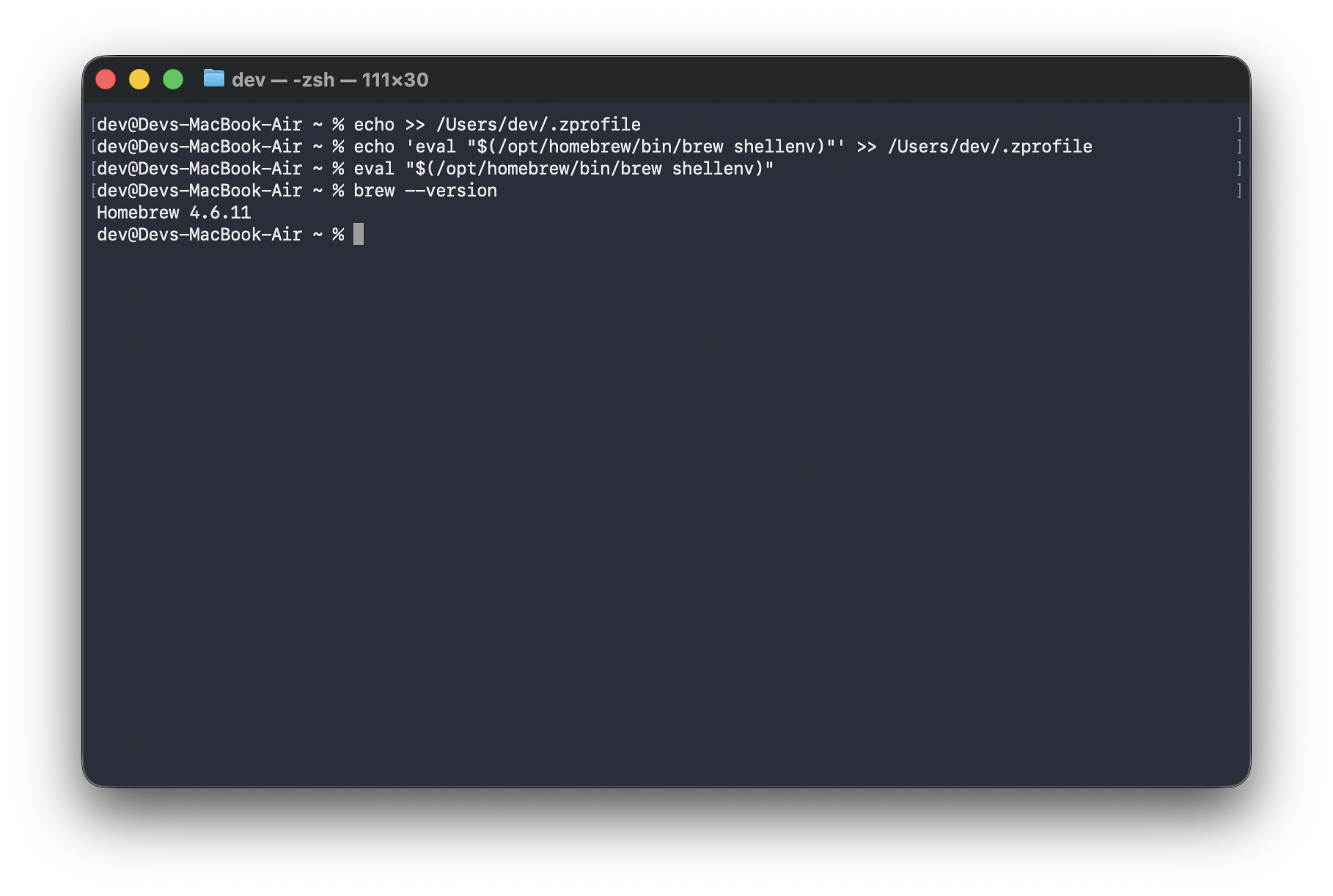

This is not an AI-generated article but is demonstrated by a human.
Please support independent contributors like Code2care by donating a coffee.
Buy me a coffee!
Comments & Discussion
Facing issues? Have questions? Post them here! We're happy to help!