
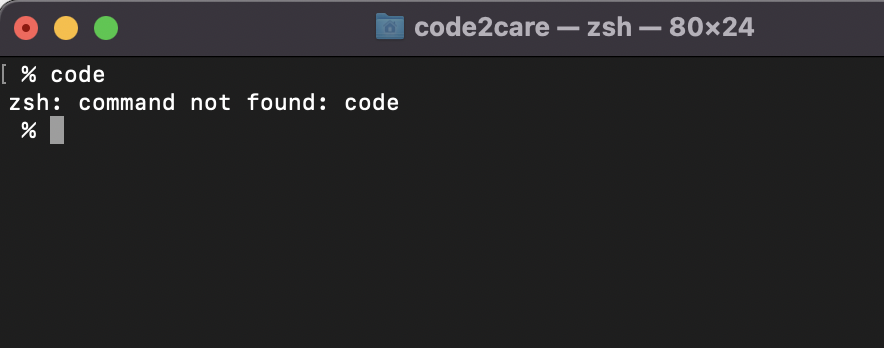
If you have installed Microsoft Visual Studio Code on your Mac device and when you try to open it from the ZSH shell in your terminal and you get the error: zsh: command not found: code the reason is that you have not set the PATH for VS Code in your ZSH profile.
Solution:
- Open Zshrc profile file using - nano ~/.zshrc
- Now add the below line to the file,
export PATH="\$PATH:/Applications/Visual Studio Code.app/Contents/Resources/app/bin" - Now exit Nano, by pressing command + X and save changes.
- Apply the changes by tying source ~/.zshrc
- Now you should be able to open vs code using Zsh Shell in Mac Terminal.
Provide Feedback For This Article
We take your feedback seriously and use it to improve our content. Thank you for helping us serve you better!
😊 Thanks for your time, your feedback has been registered!
Comments & Discussion
Facing issues? Have questions? Post them here! We're happy to help!