After installing the homebrew on my macOS, when I ran the brew command on the Terminal app I received the error zsh: command not found: brew
Error:Code2care@Mac % brew install node
zsh: command not found: brew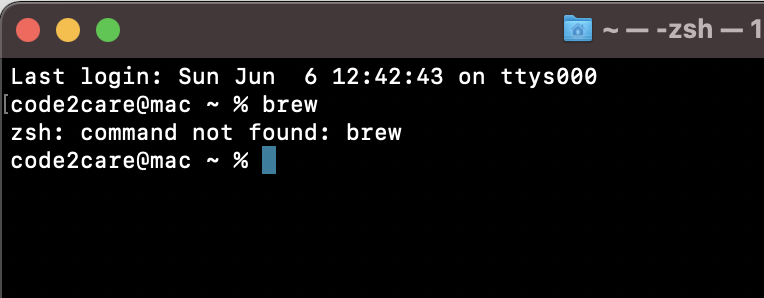
Solutions to brew command is not found an error!
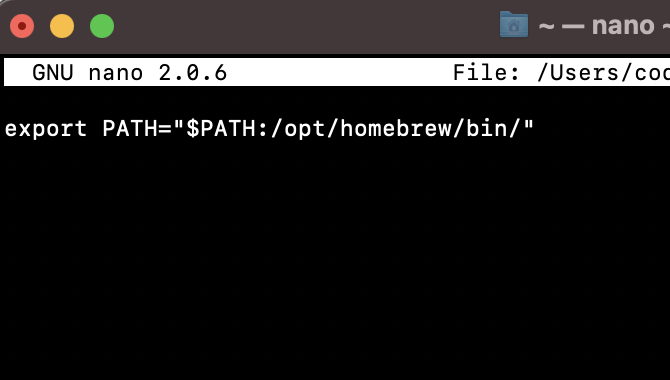
- Open the .zshrc file using command: nano ~/.zshrc,
- Now add the following to the file: export PATH="$PATH:/opt/homebrew/bin/"
- Save the file by pressing Control + X followed by Enter.
- Apply the changes by command: source ~/.zshrc
Solution 1:
When you install brew in macOS it gets installed at the location - /opt/homebrew, in order to run the brew command you need to cd this location and get into the bin directory and run the brew commands.
The above solution will work but is not an ideal way of running the brew command, it's better to add the path of brew installation in the .zshrc file
Solution 2:
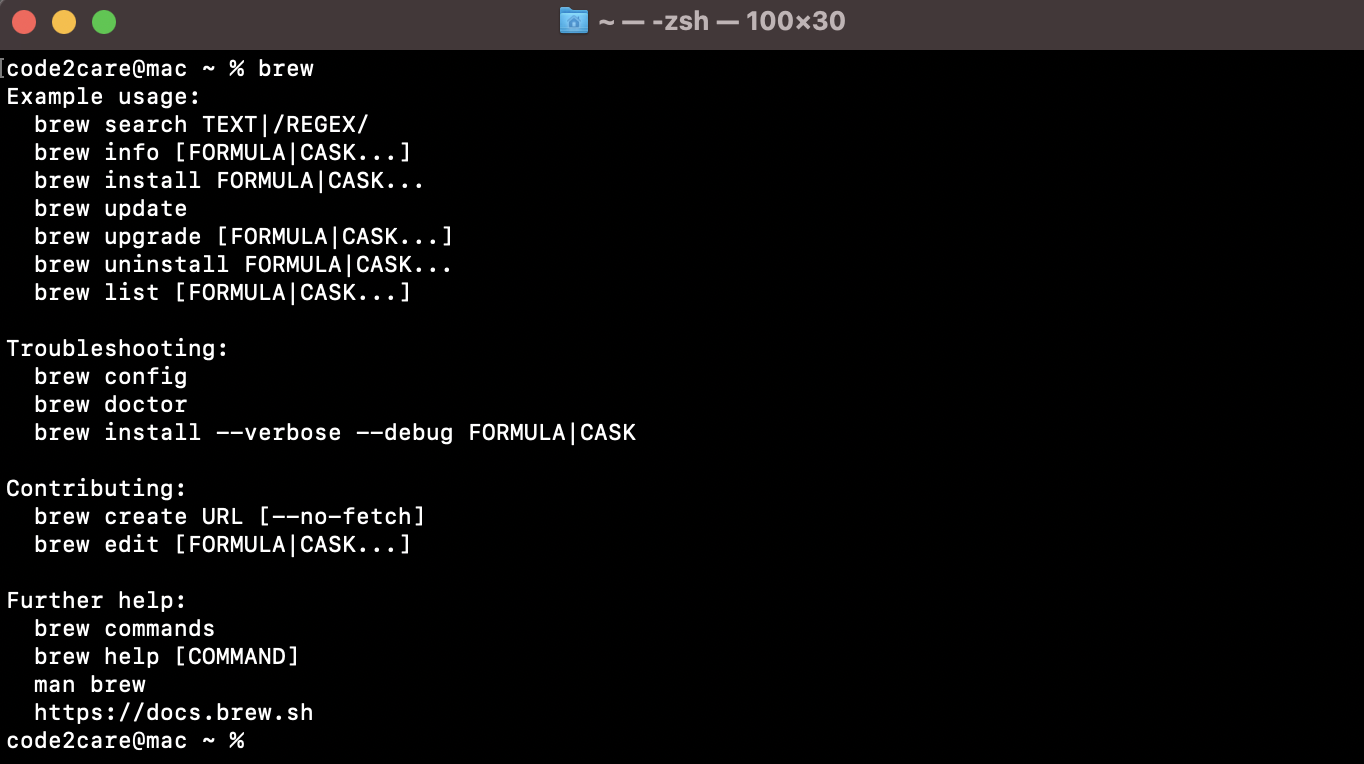
Now you can run the brew command from anywhere!

This is not an AI-generated article but is demonstrated by a human on an M1 Mac running macOS Sonoma 14.0.
Please support independent contributors like Code2care by donating a coffee.
Buy me a coffee!
Comments & Discussion
Facing issues? Have questions? Post them here! We're happy to help!