
% ./script.sh
zsh: permission denied: ./script.sh
If you are trying to execute a script on the Terminal using the Zsh shell and you get permission denied then make sure that the script has the execute permissions. You can do that by using the ls command.
% ls -ltrh
total 2832
-rw-r--r--  1 code2care  staff     5B Jul 19 11:50 script.sh
Use the chmod command to add execute (x) permissions to the script.
chmod +x script.shNow if I try to run the script again it works!
% ./script.sh
Hello, World!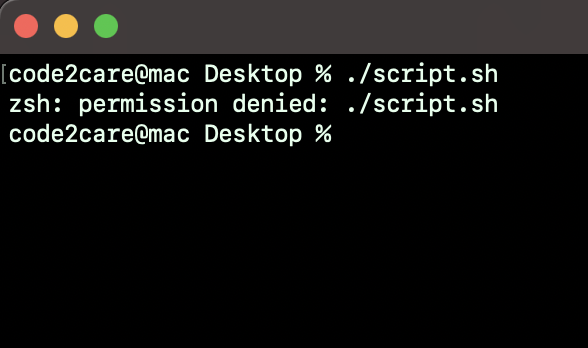
Have Questions? Post them here!
Provide Feedback For This Article
We take your feedback seriously and use it to improve our content. Thank you for helping us serve you better!
😊 Thanks for your time, your feedback has been registered!
Comments & Discussion
Facing issues? Have questions? Post them here! We're happy to help!