
sysstat is the package that you will need to install in order to get the sar
# apt-get install sysstatNote: After you install the package, you will get the below error as you will need to configure sysstat to collect data.
# sar
Cannot open /var/log/sysstat/sa12: No such file or directory
Please check if data collecting is enabled in /etc/default/sysstat
Steps Configure sysstat
- Open /etc/default/sysstat configuration file and set the ENABLED flag to true.
root@ubuntu # nano /etc/default/sysstat# # Default settings for /etc/init.d/sysstat, /etc/cron.d/sysstat # and /etc/cron.daily/sysstat files # # Should sadc collect system activity informations? Valid values # are "true" and "false". Please do not put other values, they # will be overwritten by debconf! ENABLED="true"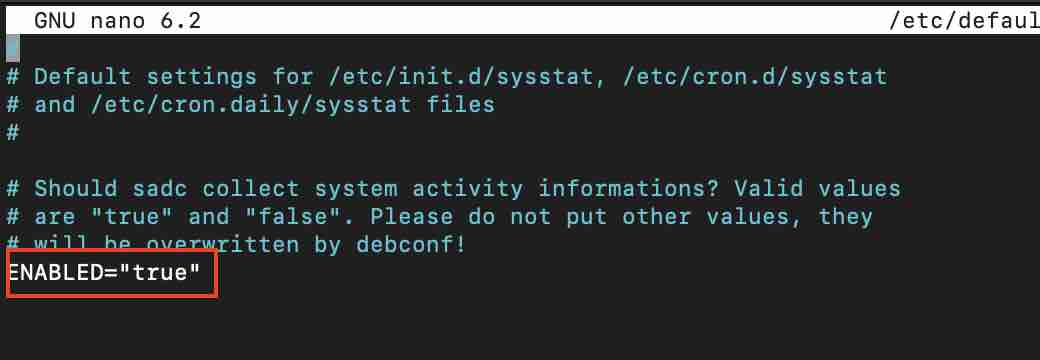
- Restart the sysstat service
root@ubuntu # service sysstat restart
 * Starting the system activity data collector sadc
Note: The default setting to collect stats in activity reports is every 10 minutes everyday, you can change it by editing the cron expression in /etc/cron.d/sysstat config file.
Provide Feedback For This Article
We take your feedback seriously and use it to improve our content. Thank you for helping us serve you better!
😊 Thanks for your time, your feedback has been registered!
Comments & Discussion
Facing issues? Have questions? Post them here! We're happy to help!