
The best way to store a "date of birth" in Java is to make use of the java.time.LocalDate class from the Date and Time API introduced in Java 8 and above.
Example:
package org.code2care.examples;

import java.time.LocalDate;

public class Employee {

    private String empName;
    private LocalDate empDateOfBirth;

    public Employee(String empName, LocalDate empDateOfBirth) {

        this.empName = empName;
        this.empDateOfBirth = empDateOfBirth;
    }

    public String getEmpName() {
        return empName;
    }

    public void setEmpName(String empName) {
        this.empName = empName;
    }

    public LocalDate getEmpDateOfBirth() {
        return empDateOfBirth;
    }

    public void setEmpDateOfBirth(LocalDate empDateOfBirth) {
        this.empDateOfBirth = empDateOfBirth;
    }

    public int calculateAge() {
        LocalDate currentDate = LocalDate.now();
        return empDateOfBirth.until(currentDate).getYears();
    }

    public static void main(String[] args) {
        LocalDate dob = LocalDate.of(1992, 12, 25);
        Employee employee = new Employee("Mike", dob);
        System.out.println(employee.getEmpName() + " was born on " + employee.getEmpDateOfBirth());
        System.out.println(employee.getEmpName() + " is " + employee.calculateAge() + " years old.");
    }
}
As you can see we made use of the until() method to calculate the age based on the date of birth and the current date. Thus, storing the date of birth in this manner allows for better date manipulation and compatibility with modern Java date and time handling.
Output: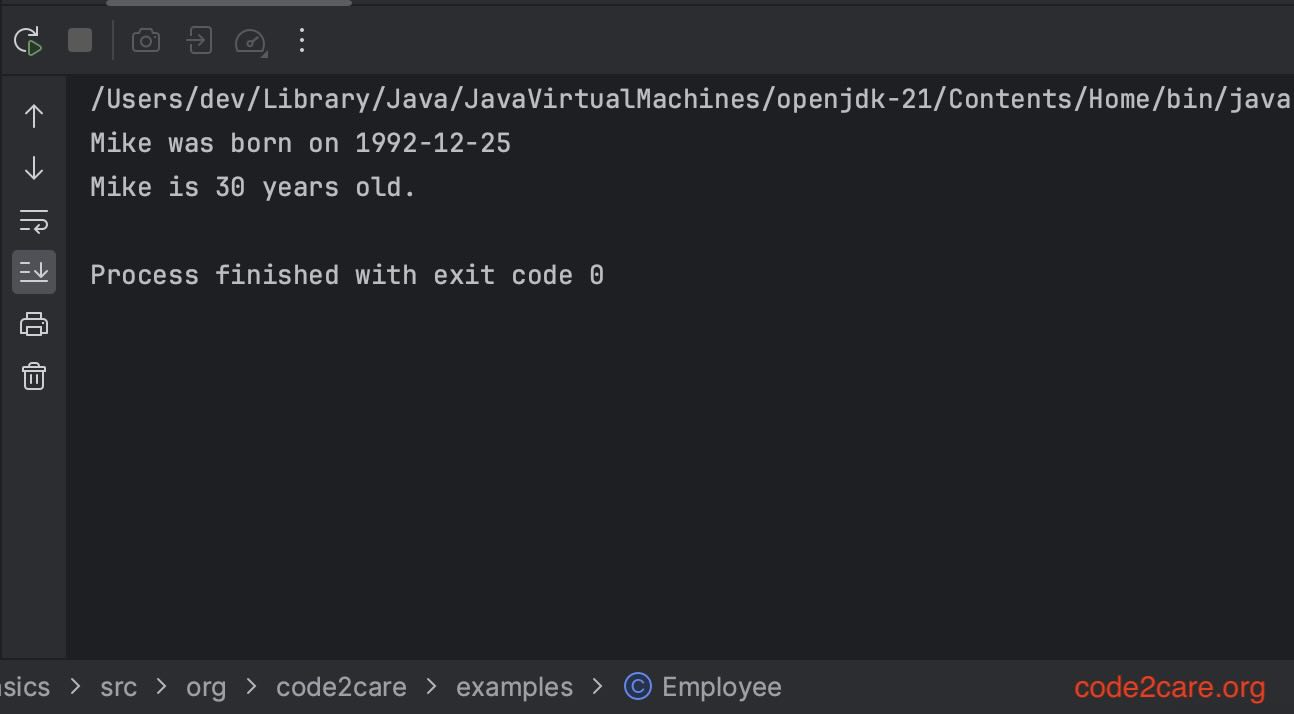
Provide Feedback For This Article
We take your feedback seriously and use it to improve our content. Thank you for helping us serve you better!
😊 Thanks for your time, your feedback has been registered!
Comments & Discussion
Facing issues? Have questions? Post them here! We're happy to help!