
In order to get the current date (without time zone) in ISO-8601 format (yyyy-MM-dd) you can make use of the LocalDate class from the Java 8 java.time package.
In the same way, to get the current time (without time zone) in ISO-8601 format (HH:mm:ss.S) format you can make use of the LocalTime class from the same java.time package.
package org.code2care;

import java.time.LocalDate;
import java.time.LocalTime;

/**
 * Local date in yyyy-MM-dd format
 * using Java 8 LocalDate now() method
 *
 * Local time in HH:mm:ss.S format
 * using Java 8 LocalTime nome() method
 *
 */
public class JavaDateTimeExamples {


    public static void main(String[] args) {
        //Local Date
        LocalDate localDate = LocalDate.now();
        System.out.println(localDate);

        //Local Time
        LocalTime localTime = LocalTime.now();
        System.out.println(localTime);
    }

}2022-04-24
12:57:08.710499
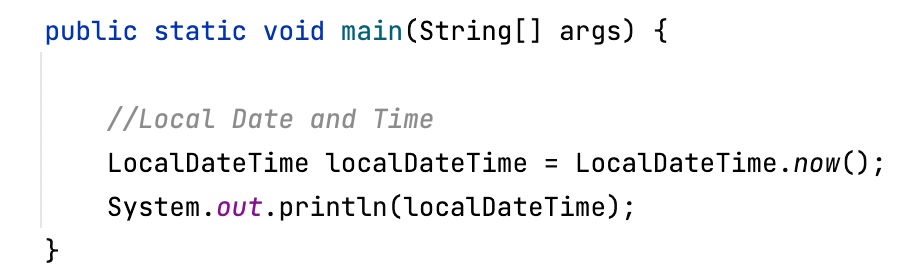
And yes! If you want to get both Date and Time, you can make use of the class LocalDateTime from Java 8 java.time package, you will get the date-time in yyyy-MM-ddTHH:mm.s.S format
package org.code2care;

import java.time.LocalDateTime;

/**
 * Local date & time using java 8
 * LocalDateTime class now() method
 *
 */
public class JavaDateTimeExamples {

    public static void main(String[] args) {

        //Local Date and Time
        LocalDateTime localDateTime = LocalDateTime.now();
        System.out.println(localDateTime);
    }
}2022-04-24T12:08:46.721044
Provide Feedback For This Article
We take your feedback seriously and use it to improve our content. Thank you for helping us serve you better!
😊 Thanks for your time, your feedback has been registered!
Comments & Discussion
Facing issues? Have questions? Post them here! We're happy to help!