
You can get the Timestamp in Java in various ways, let's see some examples,
Example 1: Using Date class (java.util.Date)
Date date = new Date(System.currentTimeMillis());
System.out.println(date);
Output: Sat Jul 24 10:55:39 PST 2021
Example 2: Using Date class (java.sql.Date)
The default Date constructor from java.sql package only prints out the date in yyyy-MM-dd format,
Date date = new Date(System.currentTimeMillis());
System.out.println(date);Output:2021-07-25
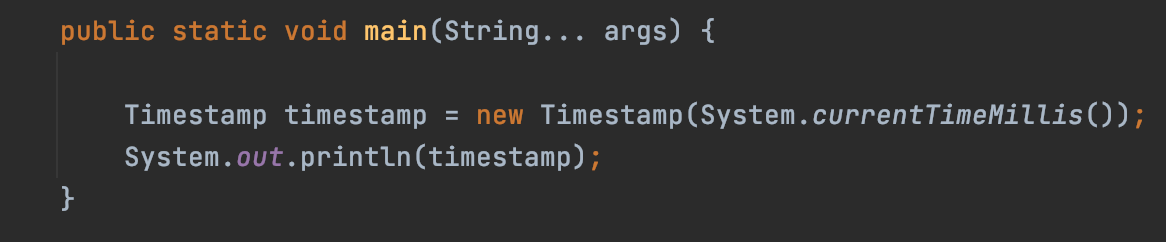
Example 3: Using Timestamp class
Timestamp class from java.sql package extends the java.util.Date class,
Timestamp timestamp = new Timestamp(System.currentTimeMillis());
System.out.println(timestamp);
Output: 2021-07-25 13:51:48.021
Read more: https://docs.oracle.com/en/java/javase/11/docs/api/java.sql/java/sql/Timestamp.html
Have Questions? Post them here!
Provide Feedback For This Article
We take your feedback seriously and use it to improve our content. Thank you for helping us serve you better!
😊 Thanks for your time, your feedback has been registered!
Comments & Discussion
Facing issues? Have questions? Post them here! We're happy to help!