
Hugging Face is a popular platform for sharing and collaborating on machine learning models and datasets.
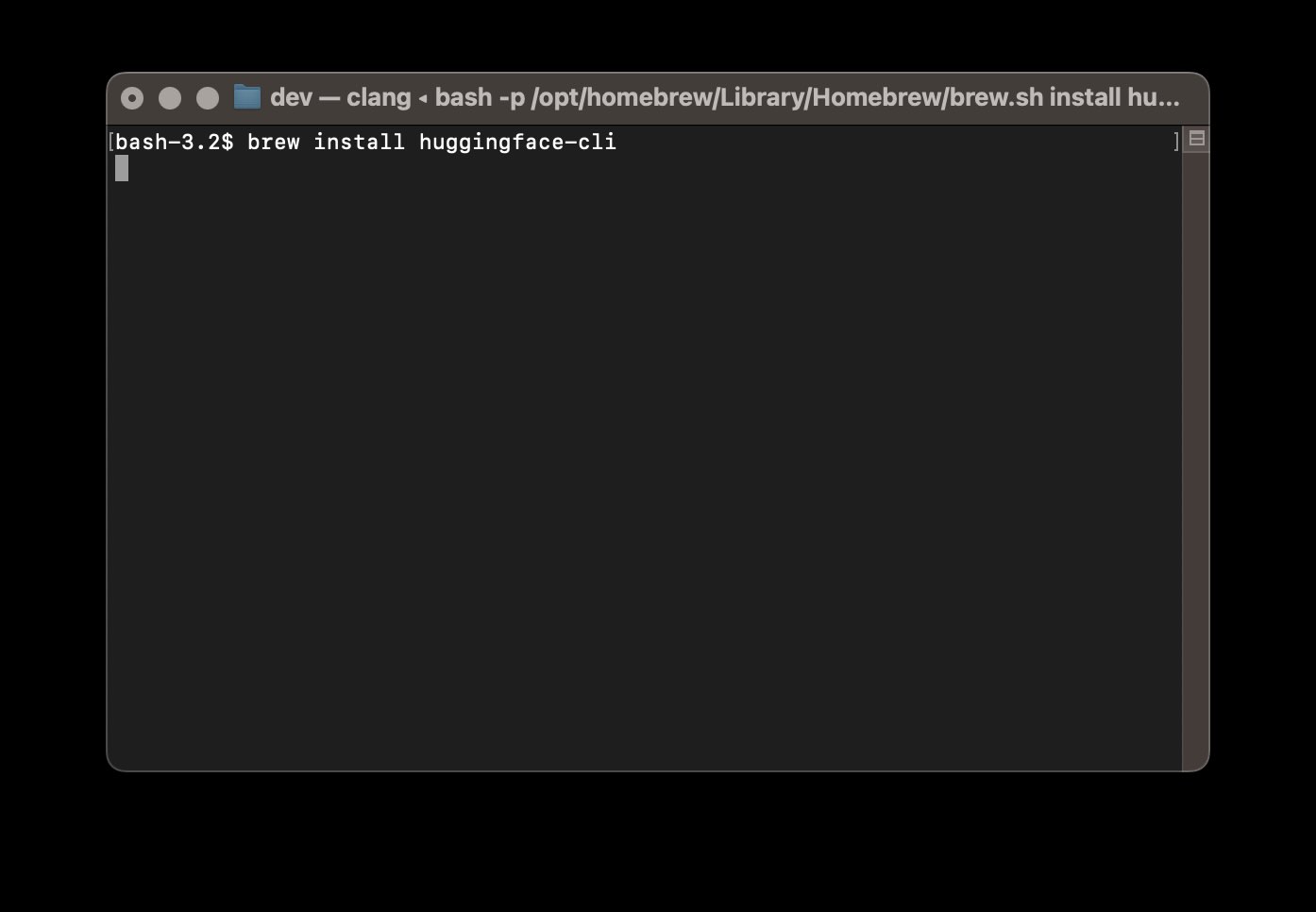
Below are the steps to install Hugging Face CLI using Homebrew on macOS
brew updatebrew install huggingface-clihuggingface-cli --versionhuggingface-cli loginhuggingface-cli repo create my-new-modelhuggingface-cli upload my-new-model model.pklFor more information and documentation:
Provide Feedback For This Article
We take your feedback seriously and use it to improve our content. Thank you for helping us serve you better!
😊 Thanks for your time, your feedback has been registered!
Comments & Discussion
Facing issues? Have questions? Post them here! We're happy to help!