Checking your time zone on macOS is a simple process. Here are a few ways you can try.:
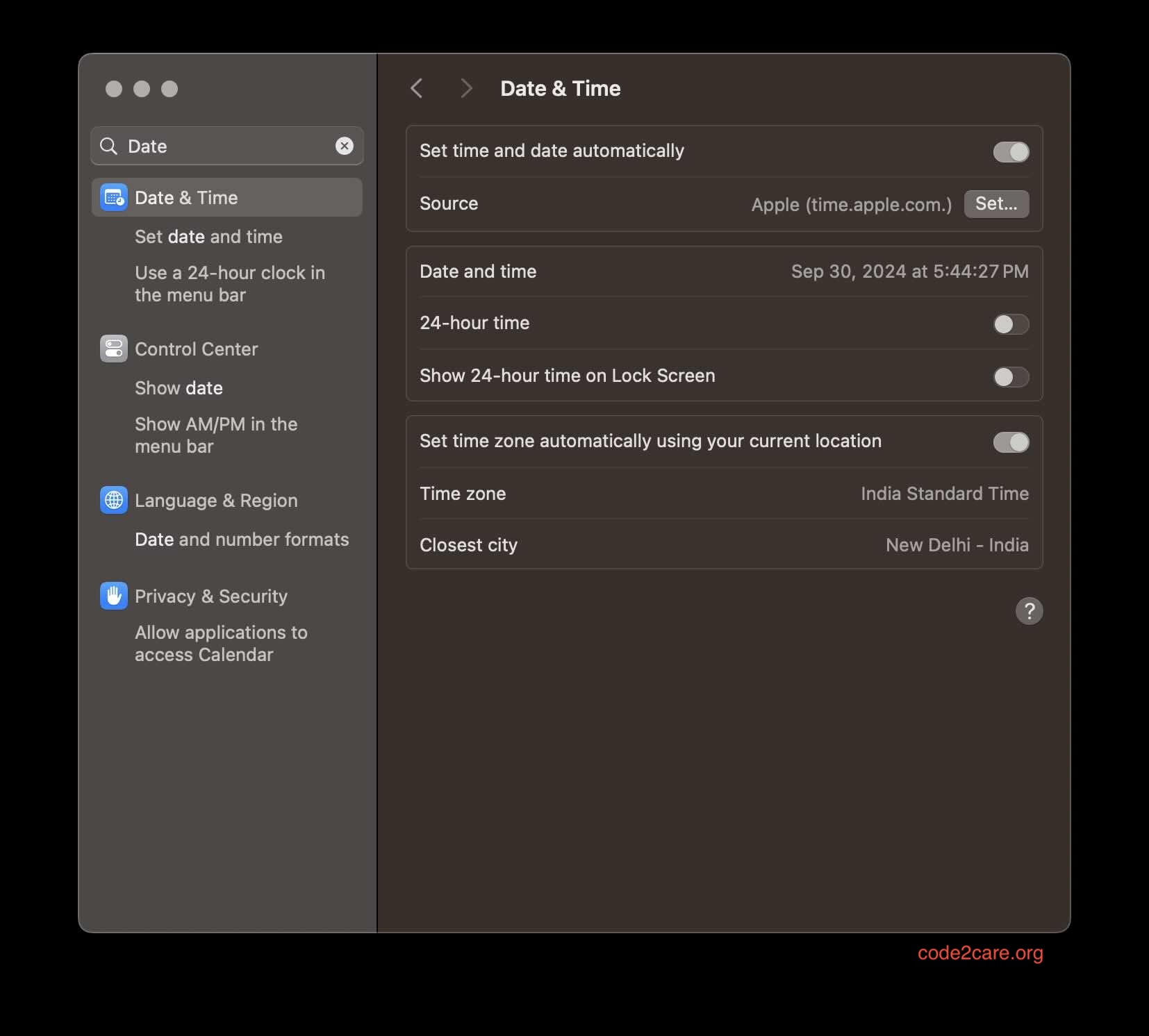
Option 1: Using System Settings (Preferences in older versions)
- Click on the Apple menu in the top-left corner of your screen.
- Select "System Settings..." (Preferences) from the dropdown menu.
- Click on "Date & Time".
- Select the "Time Zone" tab.
- Your current time zone will be displayed on the map and in the "Closest City" dropdown menu.
Option 2: Using Terminal
- Open Terminal (you can find it in Applications > Utilities).
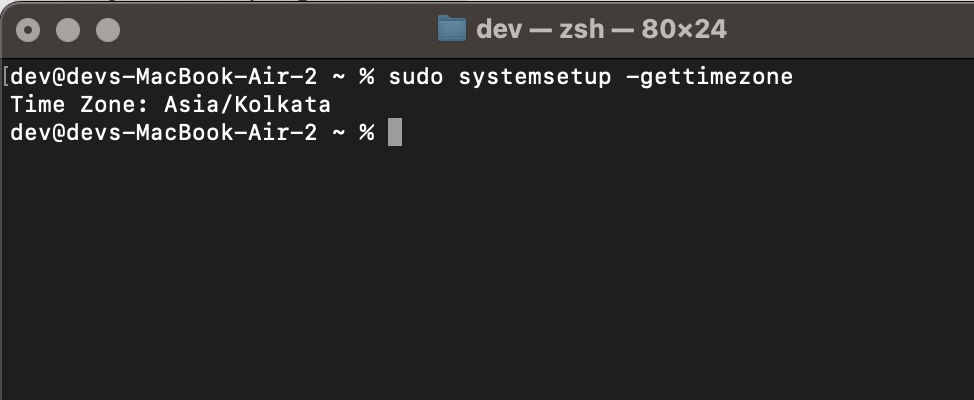
- Type the following command and press Enter:
sudo systemsetup -gettimezoneThis will display your current time zone.

This is not an AI-generated article but is demonstrated by a human.
Please support independent contributors like Code2care by donating a coffee.
Buy me a coffee!
Comments & Discussion
Facing issues? Have questions? Post them here! We're happy to help!