
If you want to change the default font type or the size of the text for the Microsoft Excel App while using it on the Mac, follow the below steps,
- Step 1: Open Excel (be on the application)
- Step 2: Now on the Menu go to Excel -> Preferences...
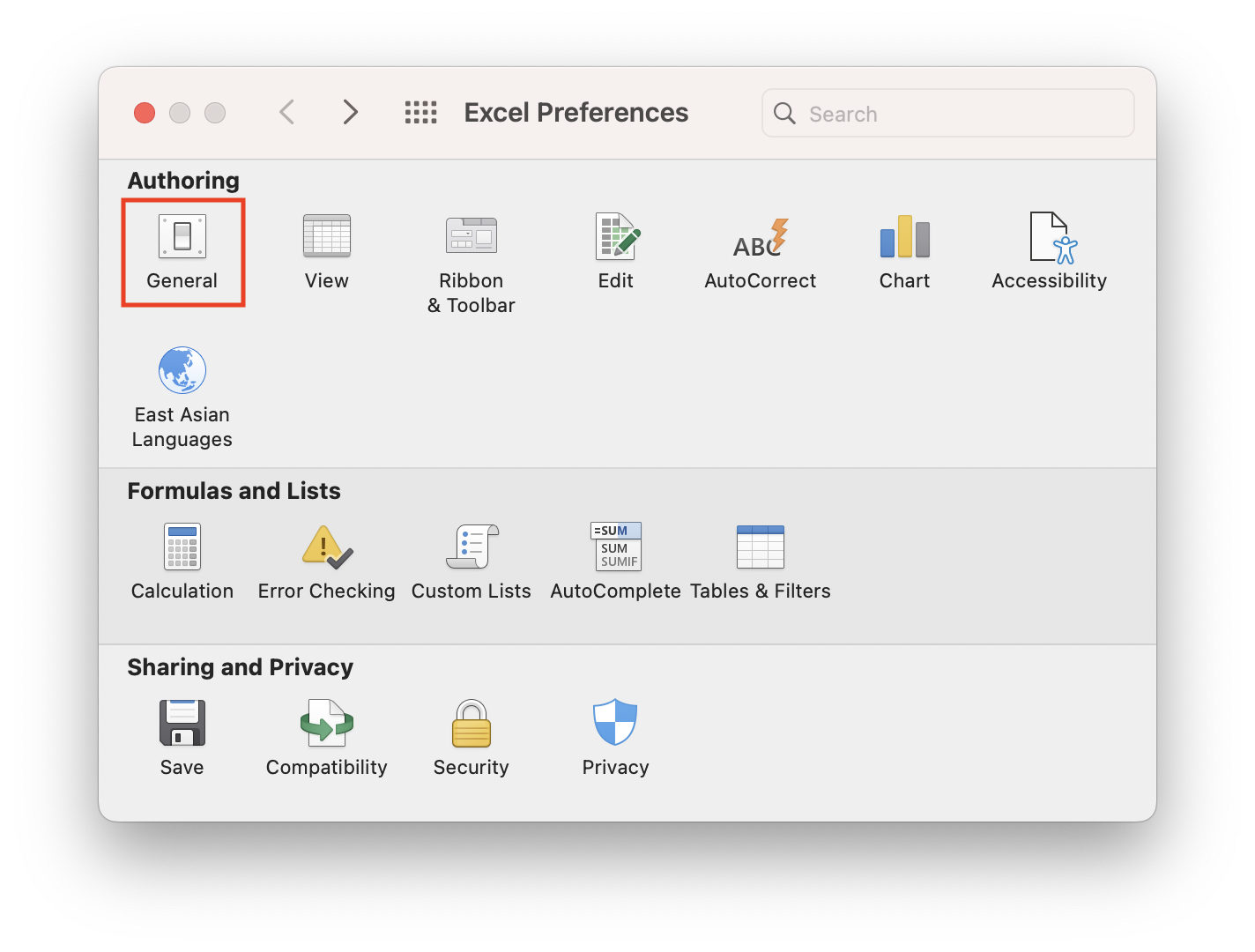
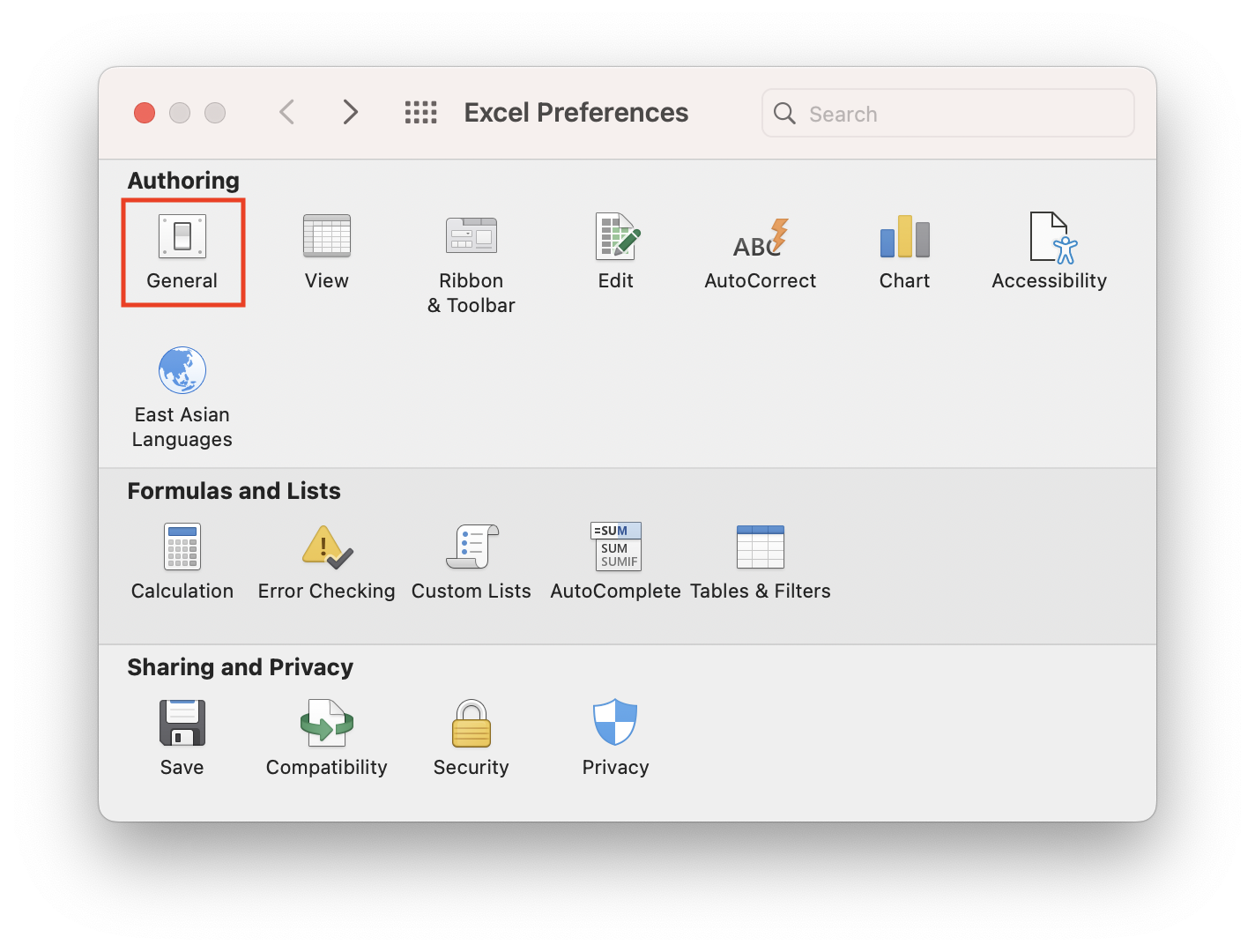
- Step 3: Click on General
- Step 4: Under Settings, you will see "Default font" - you can change the font by selecting the options from the drop-down
- Step 5: Also, you can change the font size by either adding a custom font size or choosing one from the "Font Size" drop-down.

Note: Once you do changes to the font, you will see an alert message.
Alert
Please close and restart Microsoft Excel so that the font changes can take effect.

Provide Feedback For This Article
We take your feedback seriously and use it to improve our content. Thank you for helping us serve you better!
😊 Thanks for your time, your feedback has been registered!
Comments & Discussion
Facing issues? Have questions? Post them here! We're happy to help!