
If you want to run OpenAI Codex as CLI in Terminal you can make use of the brew command as below to get it on your Mac.
brew install --cask codexTerminal Output: ✔︎ JSON API formula.jws.json Downloaded 32.0MB/ 32.0MB ✔︎ JSON API cask.jws.json Downloaded 15.3MB/ 15.3MB ==> Downloading https://github.com/openai/codex/releases/download/rust-v0.101.0/codex-aarch64-apple-darwin.tar.gz ==> Downloading from https://release-assets.githubusercontent.com/github-production-release-asset/965415649/c556c495-7fe ################################################################################################################# 100.0% ==> Installing dependencies: ripgrep ==> Fetching downloads for: ripgrep ✔︎ Bottle Manifest ripgrep (15.1.0) Downloaded 8.8KB/ 8.8KB ✔︎ Bottle ripgrep (15.1.0) Downloaded 2.2MB/ 2.2MB ==> Installing ripgrep ==> Pouring ripgrep--15.1.0.arm64_tahoe.bottle.tar.gz 🍺 /opt/homebrew/Cellar/ripgrep/15.1.0: 14 files, 6.4MB ==> Installing Cask codex ==> Linking Binary 'codex-aarch64-apple-darwin' to '/opt/homebrew/bin/codex' 🍺 codex was successfully installed!
Once installed just type codex on your terminal and you will see,
> You are in /Users/dev/myApps/c2c

  Do you trust the contents of this directory? Working with untrusted contents comes with higher risk of prompt
  injection.

› 1. Yes, continue
  2. No, quit

  Press enter to continue
There you go! just like Claude Code you can now run Codex in Terminal instead of the macOS App which seems slow at times.
────────────────────────────────────────────────────╮
│ >_ OpenAI Codex (v0.101.0)                         │
│                                                    │
│ model:     gpt-5.3-codex medium   /model to change │
│ directory: ~/myApps/                               │
╰────────────────────────────────────────────────────╯

  Tip: Run /review to get a code review of your current changes.


› Find and fix a bug in @filename

  ? for shortcuts                                                                                    100% context left
Type /model to see all models that are avaibale that you can choose from.
Select Model and Effort Access legacy models by running codex -mor in your config.toml › 1. gpt-5.3-codex (current) : Latest frontier agentic coding model. 2. gpt-5.2-codex : Frontier agentic coding model. 3. gpt-5.1-codex-max : Codex-optimized flagship for deep and fast reasoning. 4. gpt-5.2 : Latest frontier model with improvements across knowledge, reasoning and coding 5. gpt-5.1-codex-mini : Optimized for codex. Cheaper, faster, but less capable. Press enter to select reasoning effort, or esc to dismiss.
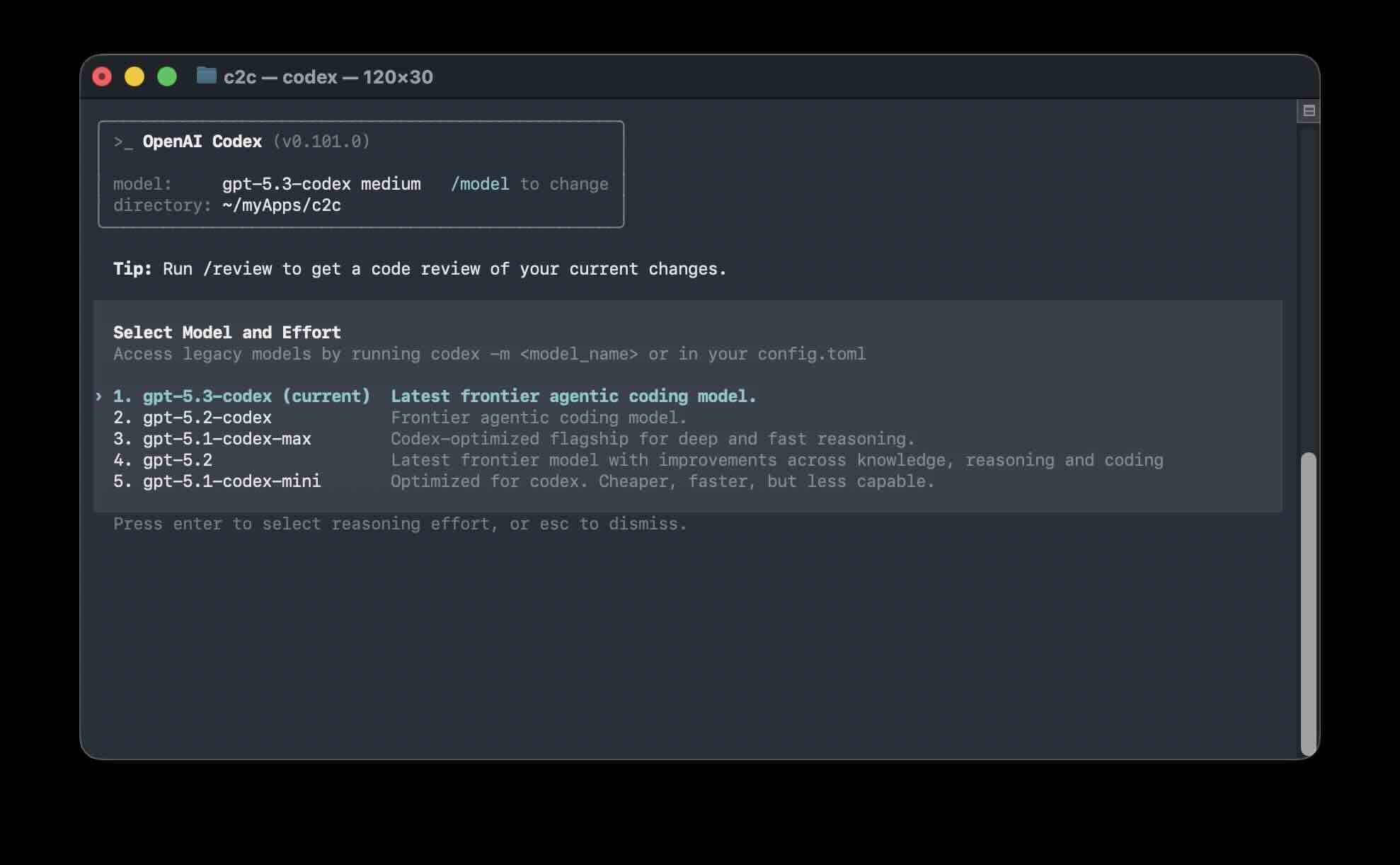
Running_OpenAI_Codex_on_macOS_Terminal
Provide Feedback For This Article
We take your feedback seriously and use it to improve our content. Thank you for helping us serve you better!
😊 Thanks for your time, your feedback has been registered!
Comments & Discussion
Facing issues? Have questions? Post them here! We're happy to help!