If you like to work on Command Line Terminal with OpenAI Codex and want to make sure that it is up to date , then you can run the below command to upgrade it.
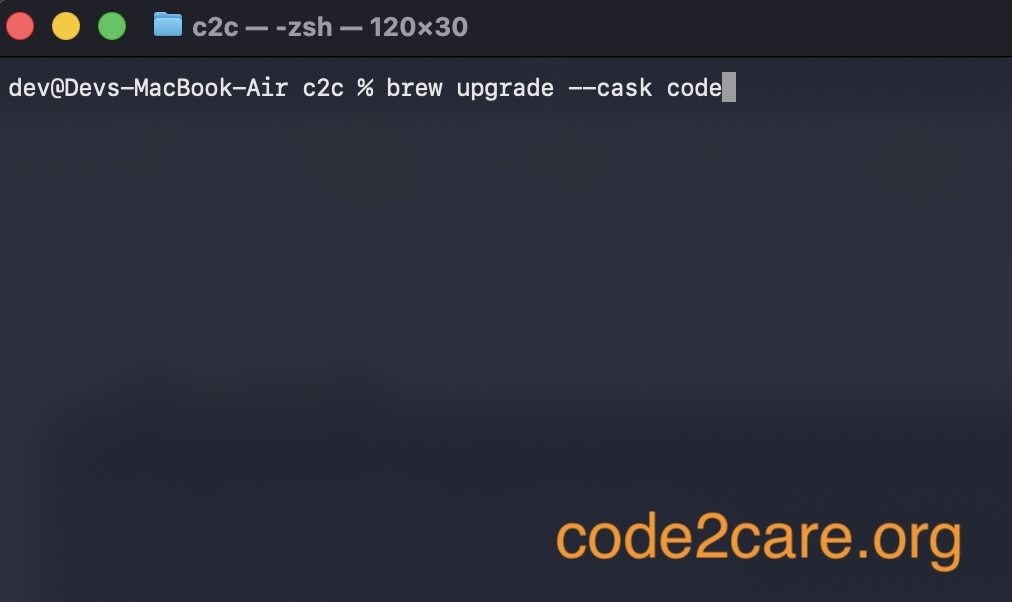
Upgrade_OpenAI_Codex_CLI-50ea100d3d
$ brew upgrade --cask codex

Updating Codex via `brew upgrade --cask codex`...
==> Auto-updating Homebrew...
Adjust how often this is run with `$HOMEBREW_AUTO_UPDATE_SECS` or disable with
`$HOMEBREW_NO_AUTO_UPDATE=1`. Hide these hints with `$HOMEBREW_NO_ENV_HINTS=1` (see `man brew`).
==> Downloading https://ghcr.io/v2/homebrew/core/portable-ruby/blobs/sha256:8ad98d9cf15477d1a43f4012cfd5eff5c271398bca1e2724b55bd4944a0bb1d4

####################################################### 100.0%

==> Pouring portable-ruby-4.0.3.arm64_big_sur.bottle.tar.gz
==> Auto-updated Homebrew!
Updated 2 taps (homebrew/core and homebrew/cask).
...
ipapatch: CLI tool to patch iOS IPA files and their plugins
==> Fetching downloads for: codex
✔︎ Cask codex (0.128.0)    Verified     82.2MB/ 82.2MB
==> Upgrading 1 outdated package:
codex 0.101.0 -> 0.128.0
==> Upgrading codex
  0.101.0 -> 0.128.0
All dependencies satisfied.
==> Unlinking Binary \'/opt/homebrew/bin/codex\'
==> Linking Binary \'codex-aarch64-apple-darwin\' to \'/opt/homebrew/bin/codex\'
==> Purging files for version 0.101.0 of Cask codex
🍺  codex was successfully upgraded!

Pruned 0 symbolic links and 2 directories from /opt/homebrew

🎉 Update ran successfully! Please restart Codex.
As you can see, I was on a very older version of codex 0.101.0 that was upgraded to 0.128.0
So I was missing the GPT 5.5 version before and now I have it.
This is not an AI-generated article but is demonstrated by a human.
Please support independent contributors like Code2care by donating a coffee.
Buy me a coffee!

Provide Feedback For This Article
We take your feedback seriously and use it to improve our content. Thank you for helping us serve you better!
😊 Thanks for your time, your feedback has been registered!
Comments & Discussion
Facing issues? Have questions? Post them here! We're happy to help!