
Follow these steps to find out which version of Android your device is running:
- Open the Settings app on your Android device.
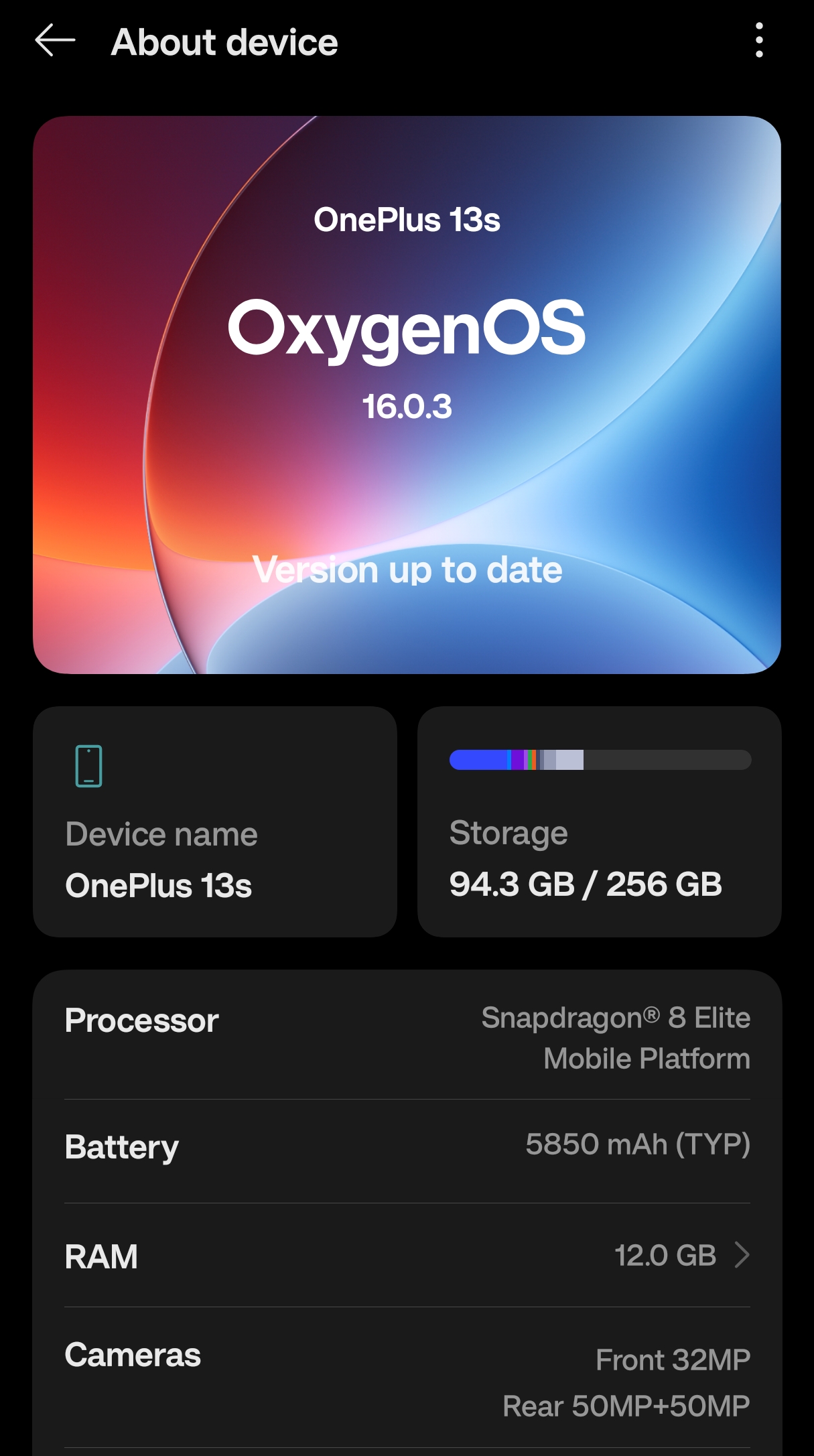
- Scroll down and tap About phone or About device.
- Look for Android version.
- Tap Android version to see more details (optional).
Alternative Path (on some devices)
- Open Settings.
- Tap System.
- Tap About phone.
- Find Android version.
Your Android version number (for example, Android 15 or Android 16) will be displayed
Provide Feedback For This Article
We take your feedback seriously and use it to improve our content. Thank you for helping us serve you better!
😊 Thanks for your time, your feedback has been registered!
Comments & Discussion
Facing issues? Have questions? Post them here! We're happy to help!