
| Topic | Difficulty | Reading Duration |
|---|---|---|
| Android | Easy | 2 Minutes |
If you have an Android Mobile Phone and you want to enable the "Developers Option" options which is hidden by default, then follow the below steps.
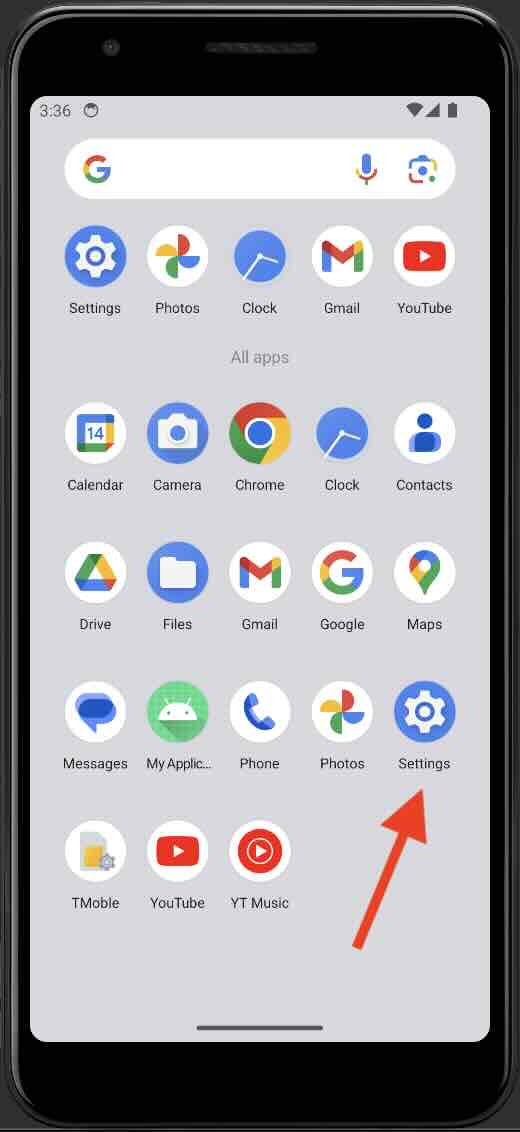
- Unlock your Android Phone and go to the Settings app.
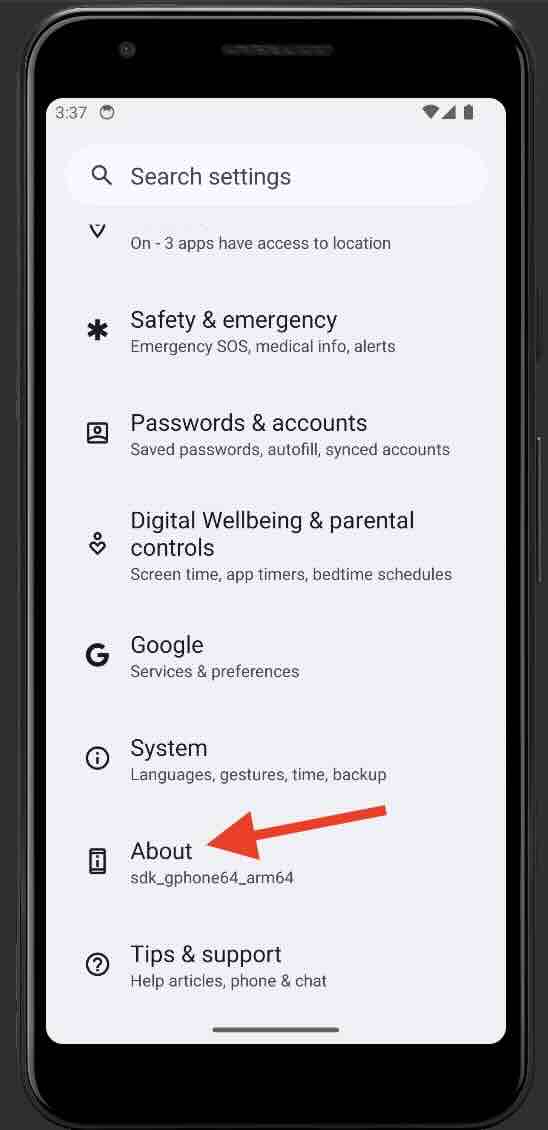
- Now go to the About phone (or About based on your device manufacturer)
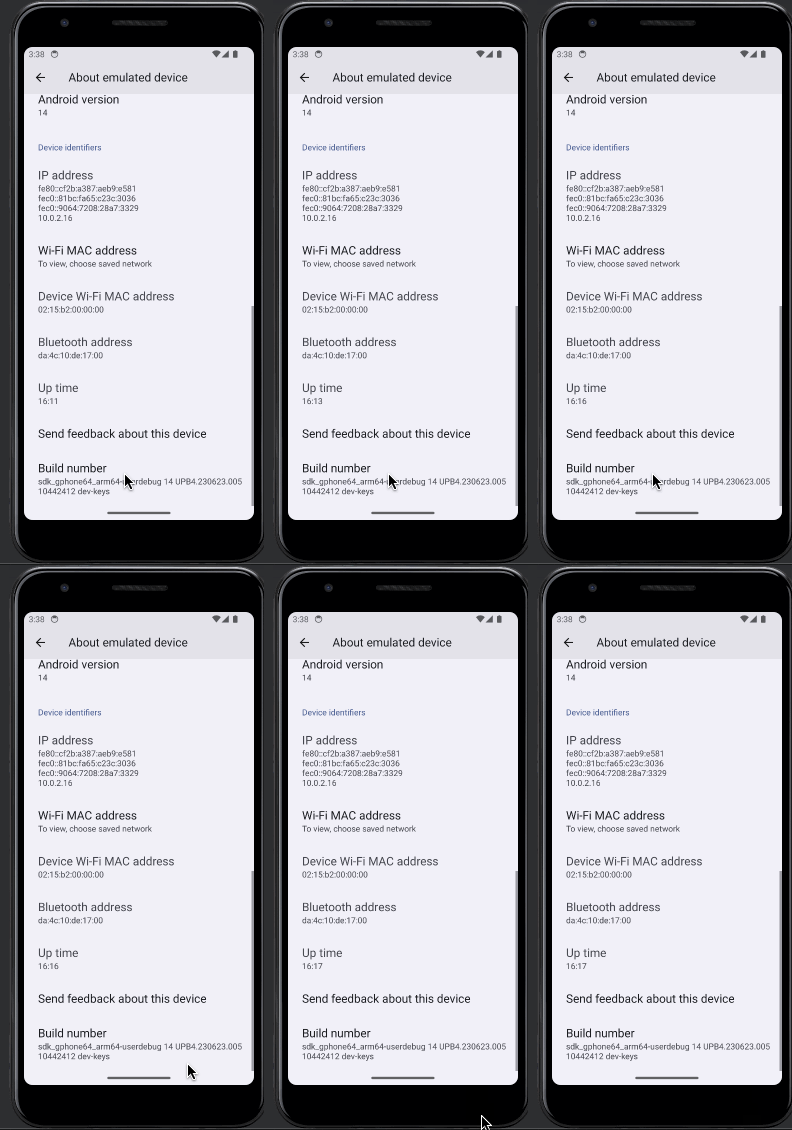
- Now we need to reach the Build number, this varies hugely based on your device type.
Android Phone Manufacturer Steps to access "Build Number" Google Pixel Settings > About phone > Build number Samsung Settings > About phone > Software information > Build number (Galaxy S8 and later) LG Settings > About phone > Software info > Build number (G6 and later) HTC Settings > About > Software information > More > Build number (U11 and later) or
Settings > System > About phone > Software information > More > Build numberOnePlus Settings > About phone > Build number (5T and later) Motorola Settings > About phone > Software information > Build number Sony Settings > About phone > Build number or
Settings > System > About phone > Build numberXiaomi Settings > About phone > MIUI version Huawei Settings > About phone > Build number Oppo Settings > About phone > Version Vivo Settings > About phone > Software version Nokia Settings > About phone > Software information > Build number ASUS Settings > About phone > Software information > Build number - Once you reach "Build Number" you need to tap seven times on it until you see "You are now a developer!" (you will see toasts like "You are x steps aways from being a developer")
I am adding a list of links from various Android Phone Manufacturers on their official knowledge documentation on how to enable the Developer options below which you may find useful if having issues.
Provide Feedback For This Article
We take your feedback seriously and use it to improve our content. Thank you for helping us serve you better!
😊 Thanks for your time, your feedback has been registered!
Comments & Discussion
Facing issues? Have questions? Post them here! We're happy to help!