When you work with OpenAI Codex App on your Desktop, you may see that the when you see a diff or click on the files that were modified or added, they open up in Cursor IDE (if you have it installed). If you want to change this, you can do so by follow the below steps.
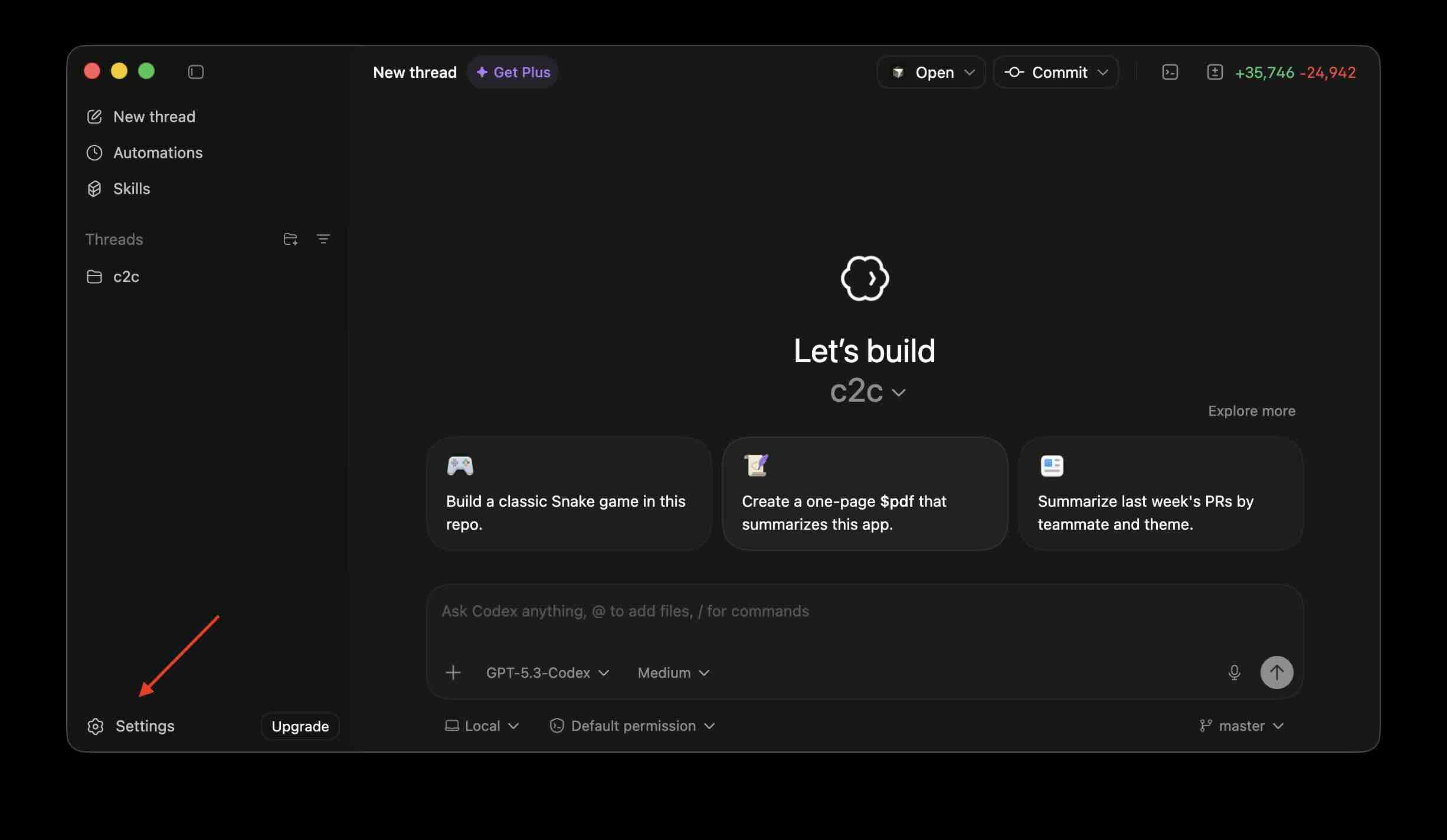
- Click on Settings and select Settings.
- Click on General option from sidebar.
- Select the app you want from Default open destination dropdown.
You should be able to see a list of IDE's that you have installed on your device. On my Mac I see, the list of IDEs I have.
- Cursor
- Antigravity
- VS Code
- Idea IntelliJ
- Android Studio
I see its not just IDEs, you get options like Finder and Terminal as well, but no text editors like TextEdit or Sublime Text.
This is not an AI-generated article but is demonstrated by a human.
Please support independent contributors like Code2care by donating a coffee.

Provide Feedback For This Article
We take your feedback seriously and use it to improve our content. Thank you for helping us serve you better!
😊 Thanks for your time, your feedback has been registered!
Comments & Discussion
Facing issues? Have questions? Post them here! We're happy to help!