
If you want to check if a command exists or not using a bash script, you can take help from the below example.
Example:
#!/bin/bash

if command -v ls >/dev/null 2>&1; then
    echo "Command ls exists."
else
    echo "Command ls does not exist."
fi

if command -v clean >/dev/null 2>&1; then
    echo "Command clean exists."
else
    echo "Command clean does not exist."
fi
./bash_script.sh

Command ls exists.
Command clean does not exist.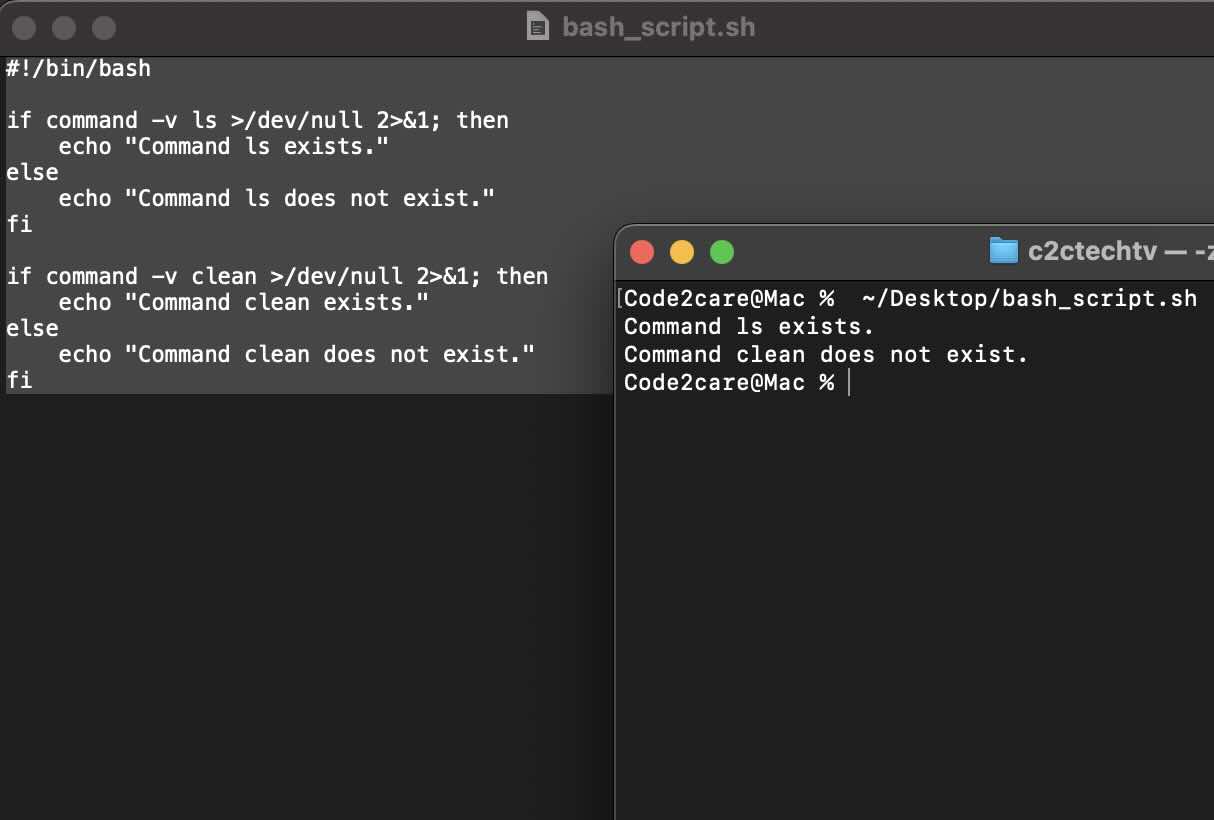
Provide Feedback For This Article
We take your feedback seriously and use it to improve our content. Thank you for helping us serve you better!
😊 Thanks for your time, your feedback has been registered!
Comments & Discussion
Facing issues? Have questions? Post them here! We're happy to help!