
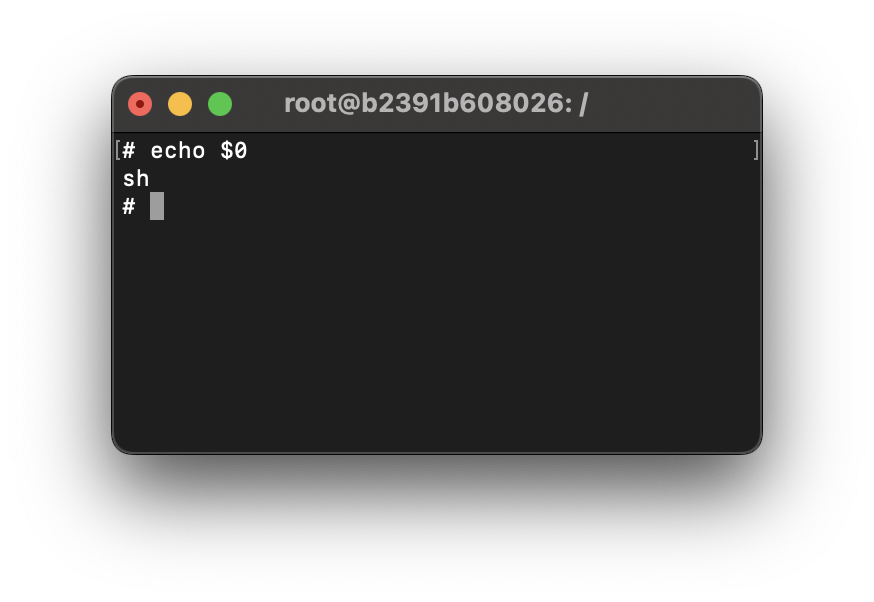
If you are using Linux or Unix Terminal and are not able to determine which shell are you currently active in, you can determine it by simply echoing $0 on the current prompt.
Examples:b2391b608026# echo $0
zshroot@b2391b608026:/# echo $0
bashroot@b2391b6026:/# echo $0
rbash# echo $0
dash# echo $0
shIf you want to know the list of shells available on your Operating System, just cat /etc/shells
# /etc/shells: valid login shells
/bin/sh
/bin/bash
/usr/bin/bash
/bin/rbash
/usr/bin/rbash
/bin/dash
/usr/bin/dash
/bin/zsh
/usr/bin/zshProvide Feedback For This Article
We take your feedback seriously and use it to improve our content. Thank you for helping us serve you better!
😊 Thanks for your time, your feedback has been registered!
Comments & Discussion
Facing issues? Have questions? Post them here! We're happy to help!