
The adb - Android Debug Bridge command line tool should be available to you by default when you install Android Studio the IDE for Android App development for Mobile, Tablets, TVs, and Wearables.
The first thing before installing adb manually, you can check if it is already available on your Mac/Windows system.
If you can't find it and want to install it manually, then follow the below steps,
For macOS
- Go to the Platform-Tools page on developers.google.com
- Click on link "Download SDK Platform-Tools for Mac"
- Read and accept the Terms and Conditions
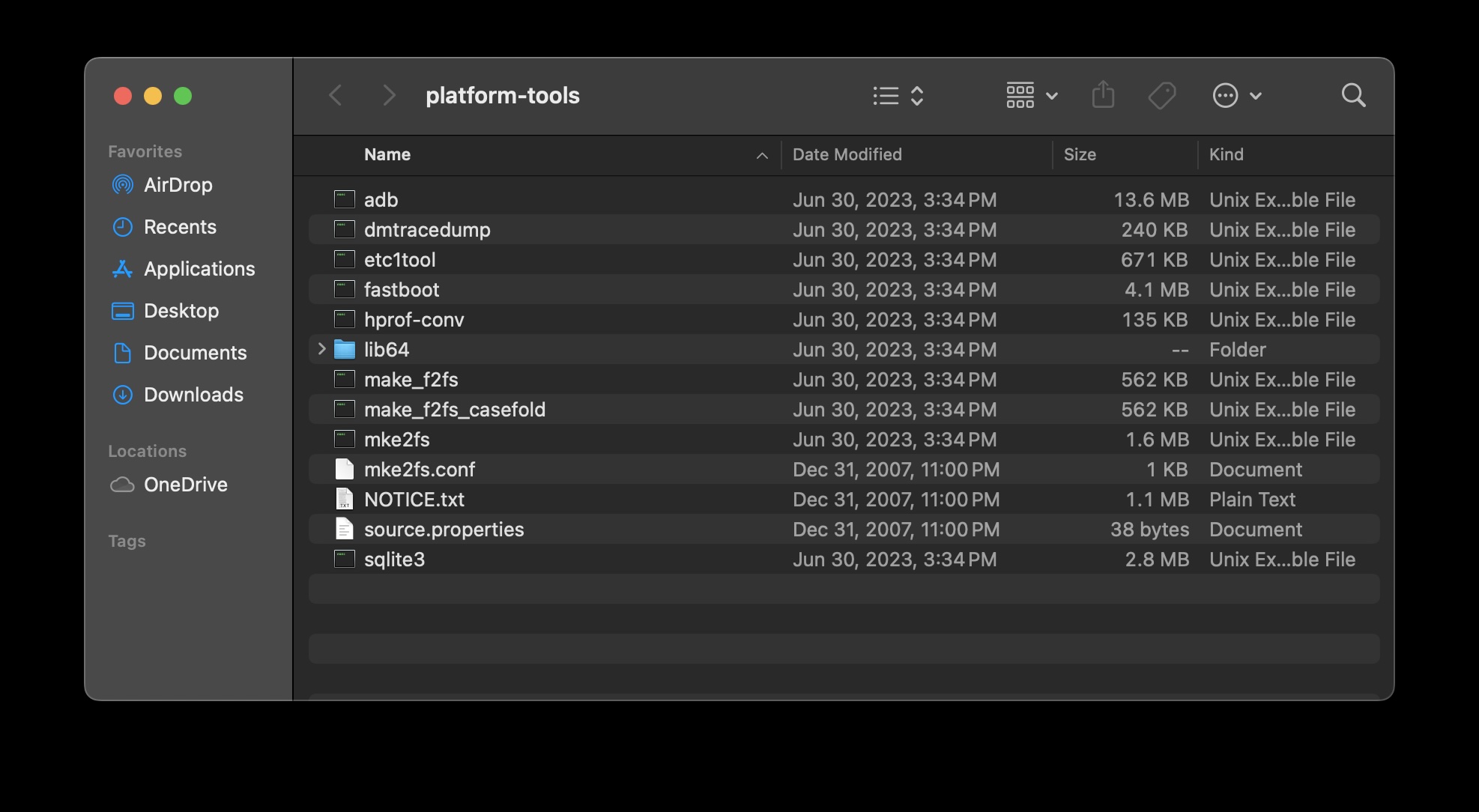
- The platform-tools-latest-darwin.zip file should get downloaded.
- You should find the adb tool inside.
For Linux
The steps remain the same as macOS, just make sure to select: "Download SDK Platform-Tools for Linux" and you should get - platform-tools-latest-linux.zip
For Windows
Again! The steps remain the same as macOS, just make sure to select: "Download SDK Platform-Tools for Windows" and you should get - platform-tools-latest-windows.zip
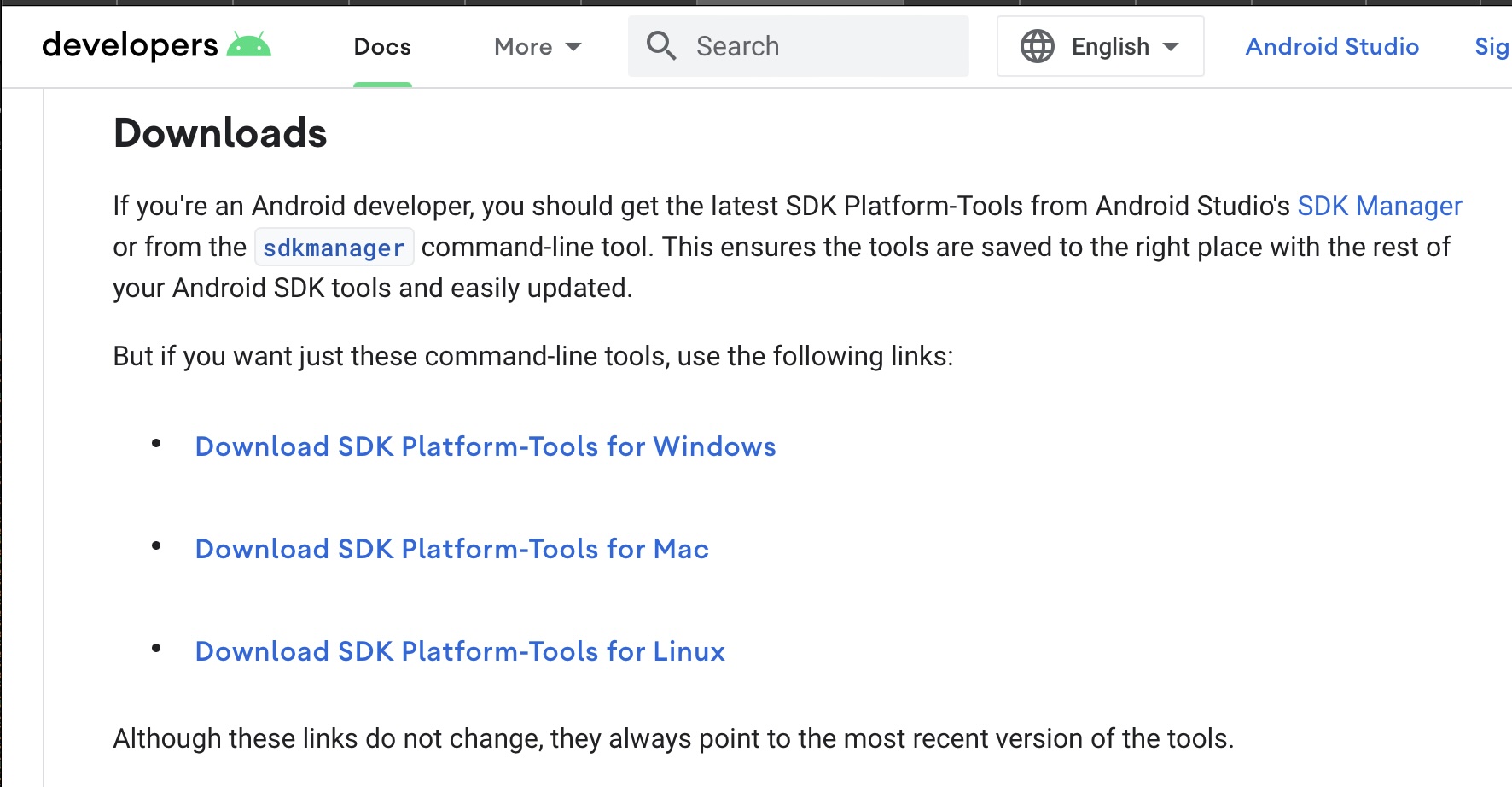
Link: https://developer.android.com/tools/releases/platform-tools#downloads
Provide Feedback For This Article
We take your feedback seriously and use it to improve our content. Thank you for helping us serve you better!
😊 Thanks for your time, your feedback has been registered!
Comments & Discussion
Facing issues? Have questions? Post them here! We're happy to help!