
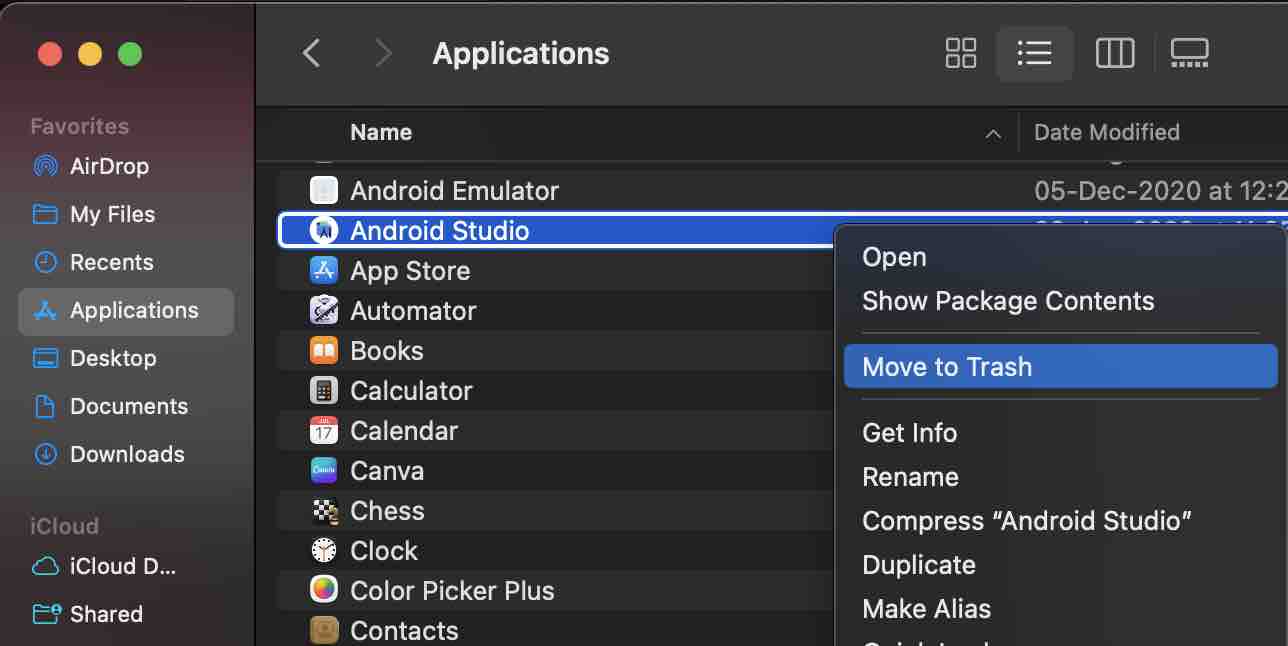
To remove the Android Studio Application on Mac, you can simply go to Finder -> Applications and right-click on the Android Studio App and select Move to Trash.
You may also do this by Terminal running the rm command,
% rm -Rf /Applications/Android\ Studio.appDelete Android Studio Projects
If you also wish to delete all your Android Studio Projects then you may have to remove the AndroidStudioProjects directory from your home.
% rm -Rf ~/AndroidStudioProjectsProvide Feedback For This Article
We take your feedback seriously and use it to improve our content. Thank you for helping us serve you better!
😊 Thanks for your time, your feedback has been registered!
Comments & Discussion
Facing issues? Have questions? Post them here! We're happy to help!