
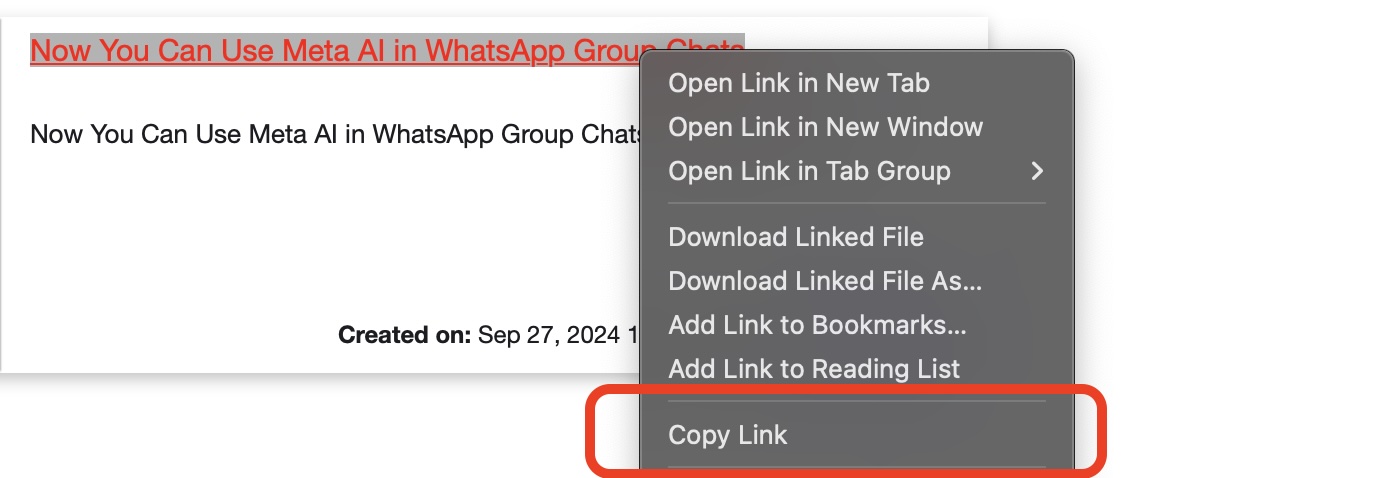
Universal Clipboard is a handy feature that allows you to copy content on one Apple device (like iPhone) and paste it on another (say MacBook or iPad). However, at times one may encounter issues with this functionality. If you're experiencing problems with Universal Clipboard between your devices, try the following solutions:
- Ensure both devices are signed in to iCloud with the same Apple ID
- Check that Bluetooth and Wi-Fi are enabled on both devices
- Verify that Handoff is turned on (Settings > General > AirPlay & Handoff on iOS, System Settings > General on macOS)
- Make sure both devices are on the same Wi-Fi network
- Restart both devices
- Check for and install any available software updates
- Toggle Bluetooth off and on again on both devices
- Ensure that both devices are within Bluetooth range (about 33 feet or 10 meters)
- Try disabling and re-enabling iCloud Keychain on both devices
- Reset your network settings on both devices
- Check if the issue persists in Safe Mode on your Mac
Comments & Discussion
Facing issues? Have questions? Post them here! We're happy to help!