
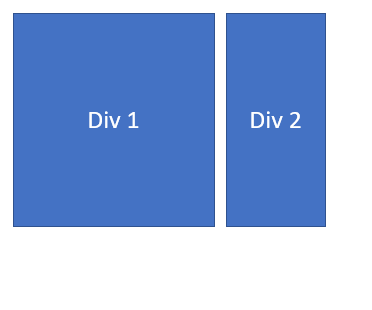
If you are using the Bootstrap framework while working on an HTML webpage and want to align two div elements vertically, then the below code will help you achieve it.
Bootstarp HTML Code Snippet:<div class="container" id="container_div">
<div class="row v-align" id="outer_div">
<div class="col-xs-4" id="div_1">This is Div 1</div>
<div class="col-xs-4" id="div_2">This is Div 2</div>
</div>
</div>.v-align {
display: inline-block;
float: none;
vertical-align: middle;
}Comments:
- Short and sweet example.
AnkitJ 11 Nov 2020 21:20:11 GMT
- Further comments disabled!
Comments & Discussion
Facing issues? Have questions? Post them here! We're happy to help!
Provide Feedback For This Article
We take your feedback seriously and use it to improve our content. Thank you for helping us serve you better!
😊 Thanks for your time, your feedback has been registered!