
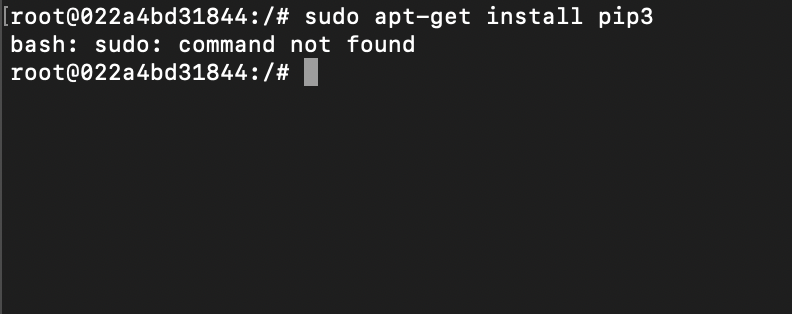
c2c@d12f83dc01b5:/# sudo apt-get install nano
bash: sudo: command not found
You might get bash sudo command not found error if you do not have sudo package installed. I faced the same issue when I installed Ubuntu image on Docker container.
Fix for "bash: sudo: command not found" using apt commandroot@d12f83dc01b5:~# apt install sudo
Reading package lists... Done
Building dependency tree
Reading state information... Done
The following NEW packages will be installed: sudo
0 upgraded, 1 newly installed, 0 to remove and 15 not upgraded.
Need to get 473 kB of archives.
After this operation, 2175 kB of additional disk space will be used.
Get:1 http://ports.ubuntu.com/ubuntu-ports focal-updates/main arm64 sudo arm64 1.8.31-1ubuntu1.2 [473 kB]
Fetched 473 kB in 2s (307 kB/s)
debconf: delaying package configuration, since apt-utils is not installed
Selecting previously unselected package sudo.
(Reading database ... 4120 files and directories currently installed.)
Preparing to unpack .../sudo_1.8.31-1ubuntu1.2_arm64.deb ...
Unpacking sudo (1.8.31-1ubuntu1.2) ...
Setting up sudo (1.8.31-1ubuntu1.2) ...Make sure you are logged into as root user, else switch to root user using su root
Provide Feedback For This Article
We take your feedback seriously and use it to improve our content. Thank you for helping us serve you better!
😊 Thanks for your time, your feedback has been registered!
Comments & Discussion
Facing issues? Have questions? Post them here! We're happy to help!