
You might be logged into a remote terminal running Ubuntu Linux and might want to know which version of the Operating System is installed, one easy way to know it is by going to /etc location and doing a grep .*VER.* on the file os-release
Example:user@ubuntu:/etc$ grep .*VER.* /etc/os-release
VERSION="20.04.3 LTS (Focal Fossa)"
VERSION_ID="20.04"
VERSION_CODENAME=focalYou can also cat this file to see all the details related to the OS,
Example:$ cat /etc/os-release
NAME="Ubuntu"
VERSION="20.04.3 LTS (Focal Fossa)"
ID=ubuntu
ID_LIKE=debian
PRETTY_NAME="Ubuntu 20.04.3 LTS"
VERSION_ID="20.04"
HOME_URL="https://www.ubuntu.com/"
SUPPORT_URL="https://help.ubuntu.com/"
BUG_REPORT_URL="https://bugs.launchpad.net/ubuntu/"
PRIVACY_POLICY_URL="https://www.ubuntu.com/legal/terms-and-policies/privacy-policy"
VERSION_CODENAME=focal
UBUNTU_CODENAME=focal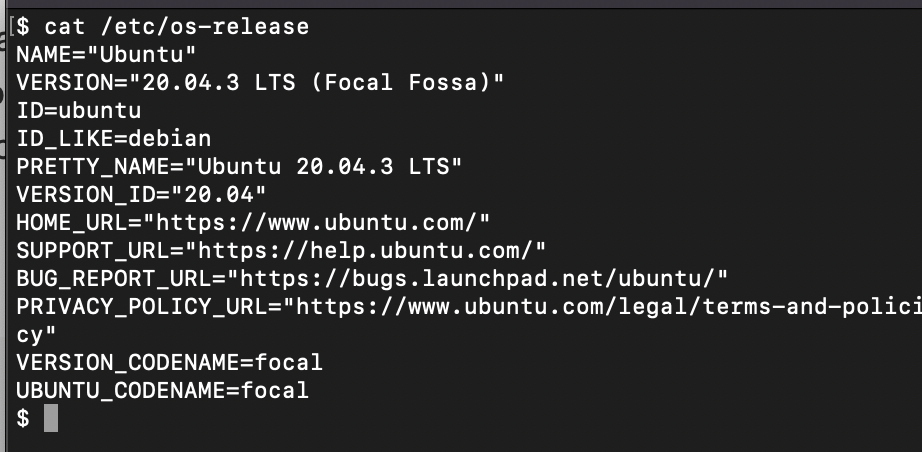
Provide Feedback For This Article
We take your feedback seriously and use it to improve our content. Thank you for helping us serve you better!
😊 Thanks for your time, your feedback has been registered!
Comments & Discussion
Facing issues? Have questions? Post them here! We're happy to help!