
If you try to run Java code in IntelliJ IDEA, the IDE for Java Programming, you may get "java: unclosed string literal" error if having an incorrectly defined String. A String Class object in Java must be enclosed in double quotes, if you miss them you will get this error.
package com.java.code2care.example;

public class Main {

    public static void main(String[] args) {

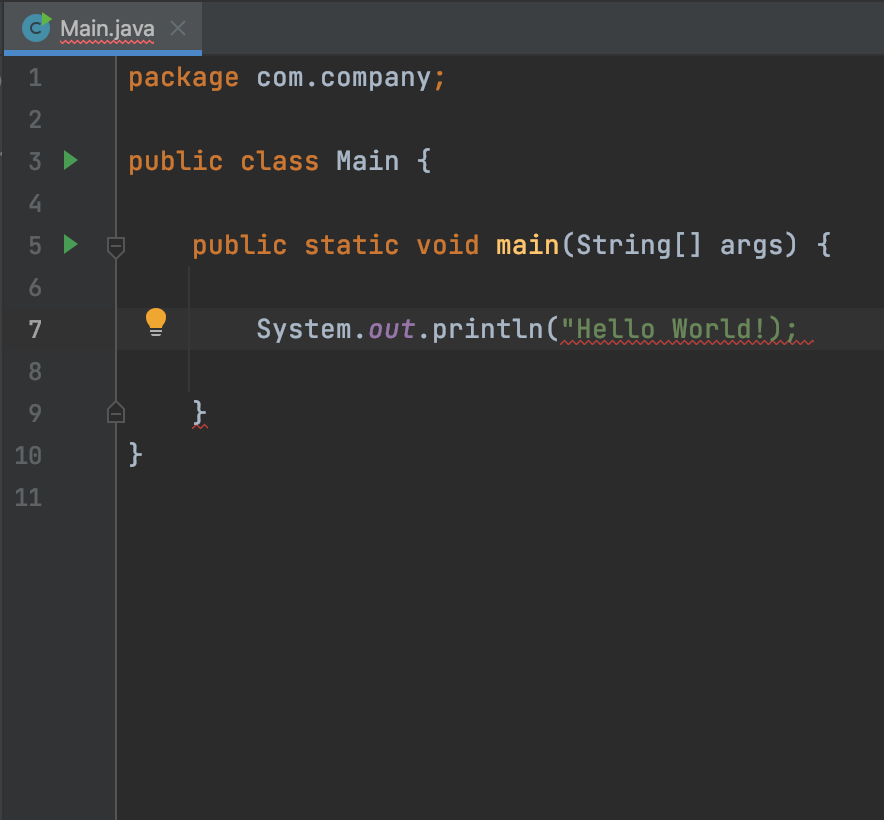
        System.out.println("Hello World!);

    }
}/Main.java:9:28
java: unclosed string literal
As you can see the String Hello World! is missing a closing double quote, if you add it the error will be resolved. If you hover over the String in IntelliJ you will see the error - Illegal line end in string literal
Have Questions? Post them here!
Provide Feedback For This Article
We take your feedback seriously and use it to improve our content. Thank you for helping us serve you better!
😊 Thanks for your time, your feedback has been registered!
Comments & Discussion
Facing issues? Have questions? Post them here! We're happy to help!