
If you are looking at a file in Notepad++ and want to hide certain lines in the file, you can make use of Hide Lines option,
Example: Hide Lines in Notepad++
- Select the lines that you want to hide on a tab,
- Now either press Alt + H or go to Menu: View and select Hide Lines
- Will will see that the lines you selected are now hidden.
Before:
Line 1
Line 2
Line 3
Line 4
Line 5
After:
Line 1
Line 5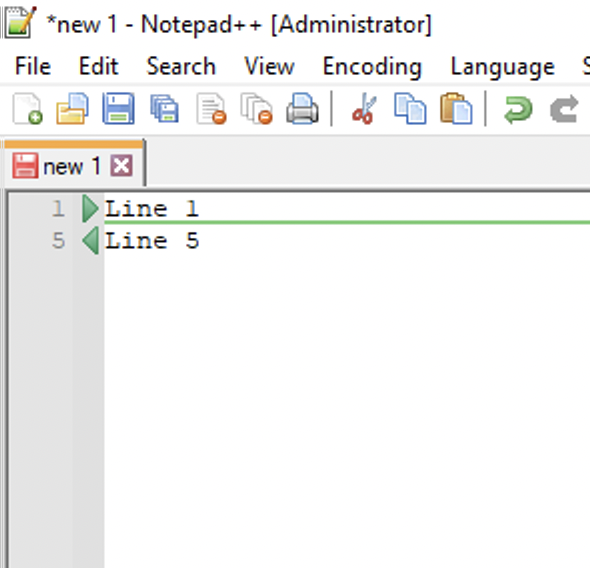
Provide Feedback For This Article
We take your feedback seriously and use it to improve our content. Thank you for helping us serve you better!
😊 Thanks for your time, your feedback has been registered!
Comments & Discussion
Facing issues? Have questions? Post them here! We're happy to help!