
If you are wondering if there is a way to install the Notepad++ application on your device in the background (silently) then you can make use of Windows Powershell.
- Go to Run and type powershell, press enter to open it,
- Now type command: winget install -e --id Notepad++.Notepad++
- Now go to Run and type: Notepad++ and press enter
- Notepad++ Application will load up
PS C:\> Invoke-WebRequest https://github.com/notepad-plus-plus/notepad-plus-
plus/releases/download/v8.2.1/npp.8.2.1.Installer.exe -OutFile c:\npp.8.2.1.Installer.exe

PS C:\> Start-Process .\npp.8.2.1.Installer.exe /S -NoNewWindow -Wait -PassThru

Handles  NPM(K)    PM(K)      WS(K)     CPU(s)     Id  SI ProcessNam
                                                          e
-------  ------    -----      -----     ------     --  -- ----------
     58       8     1288       3676       0.03   4884   2 npp.8.2...


PS C:\>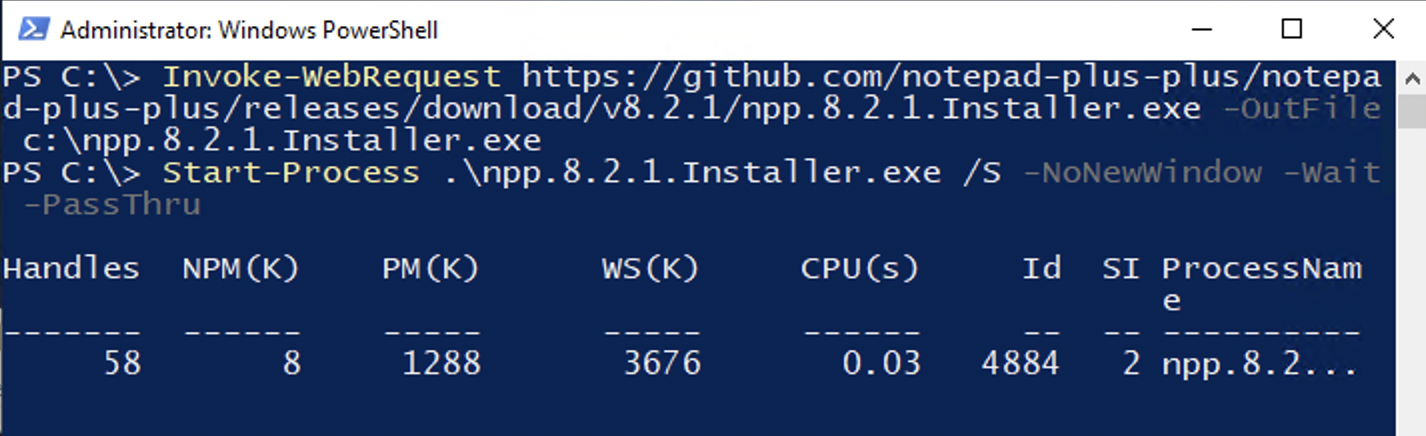
Provide Feedback For This Article
We take your feedback seriously and use it to improve our content. Thank you for helping us serve you better!
😊 Thanks for your time, your feedback has been registered!
Comments & Discussion
Facing issues? Have questions? Post them here! We're happy to help!