If you already have Java SE Runtime Environment installed on your Windows 11 PC and want to make sure that you have the latest updated version then you can "Check for Updates" as follows:
Step 1: On the Search look for "Java Check for Updates"
Open "check for updates as shown below.

Step 2: Accept - User Account Control
Next, you will see a message - "Do you want to allow this app to make changes to your device?", select Yes

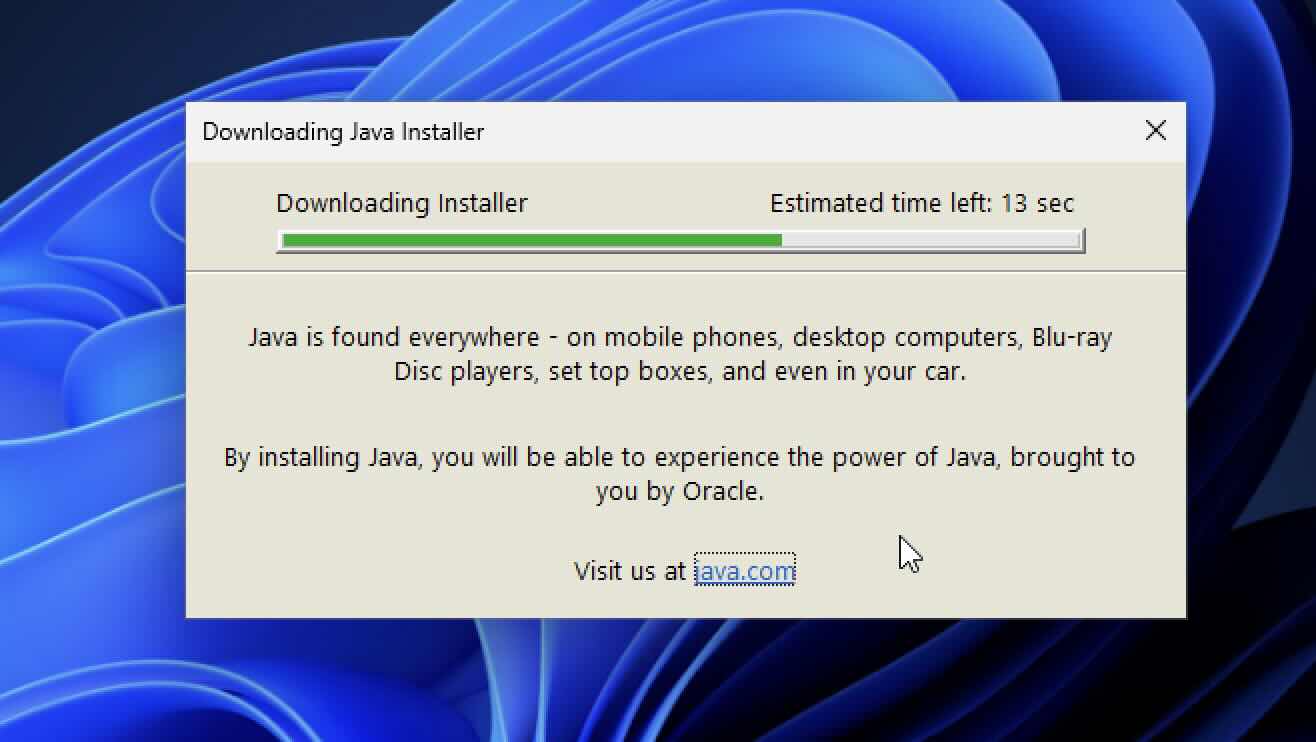
Step 3: Downloading Java Installer and Installation Steps:




This is not an AI-generated article but is demonstrated by a human on a Windows 11 PC.
Please support independent contributors like Code2care by donating a coffee.
Buy me a coffee!
Comments & Discussion
Facing issues? Have questions? Post them here! We're happy to help!