
If you use a Windows 10/11 PC, then below are some must-know keyboard shortcuts that you should know.
| Keyboard Key Combination | Action on Windows 10/11 |
|---|---|
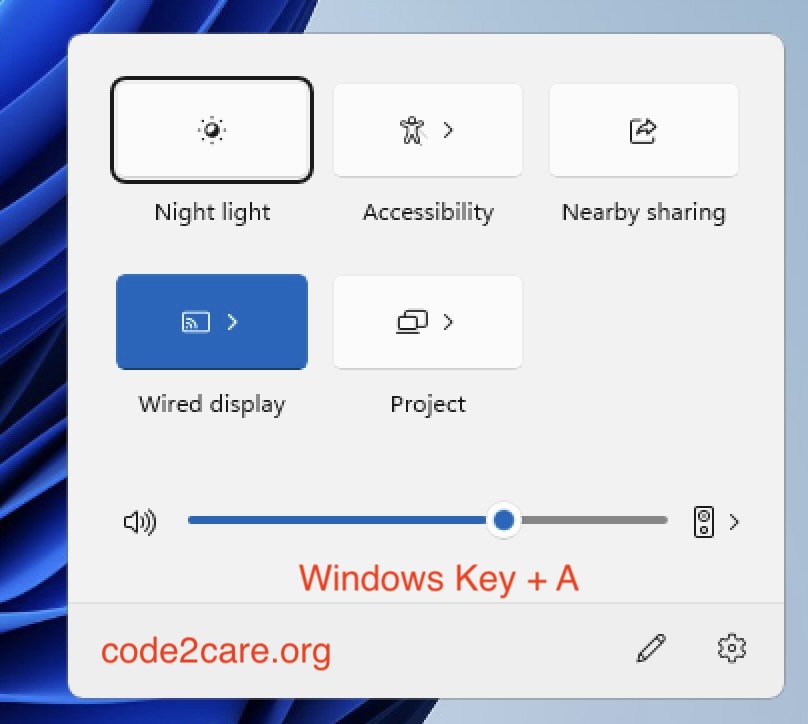
| Windows logo key + A | Opens the Action Center for notifications and quick settings.
 |
| Windows logo key + C | Activates the voice typing feature |
| Windows logo key + D | Hides or unhides the desktop |
| Windows logo key + Down arrow | Moves down through the sequence of Maximized > Windowed > Minimized for the focused window |
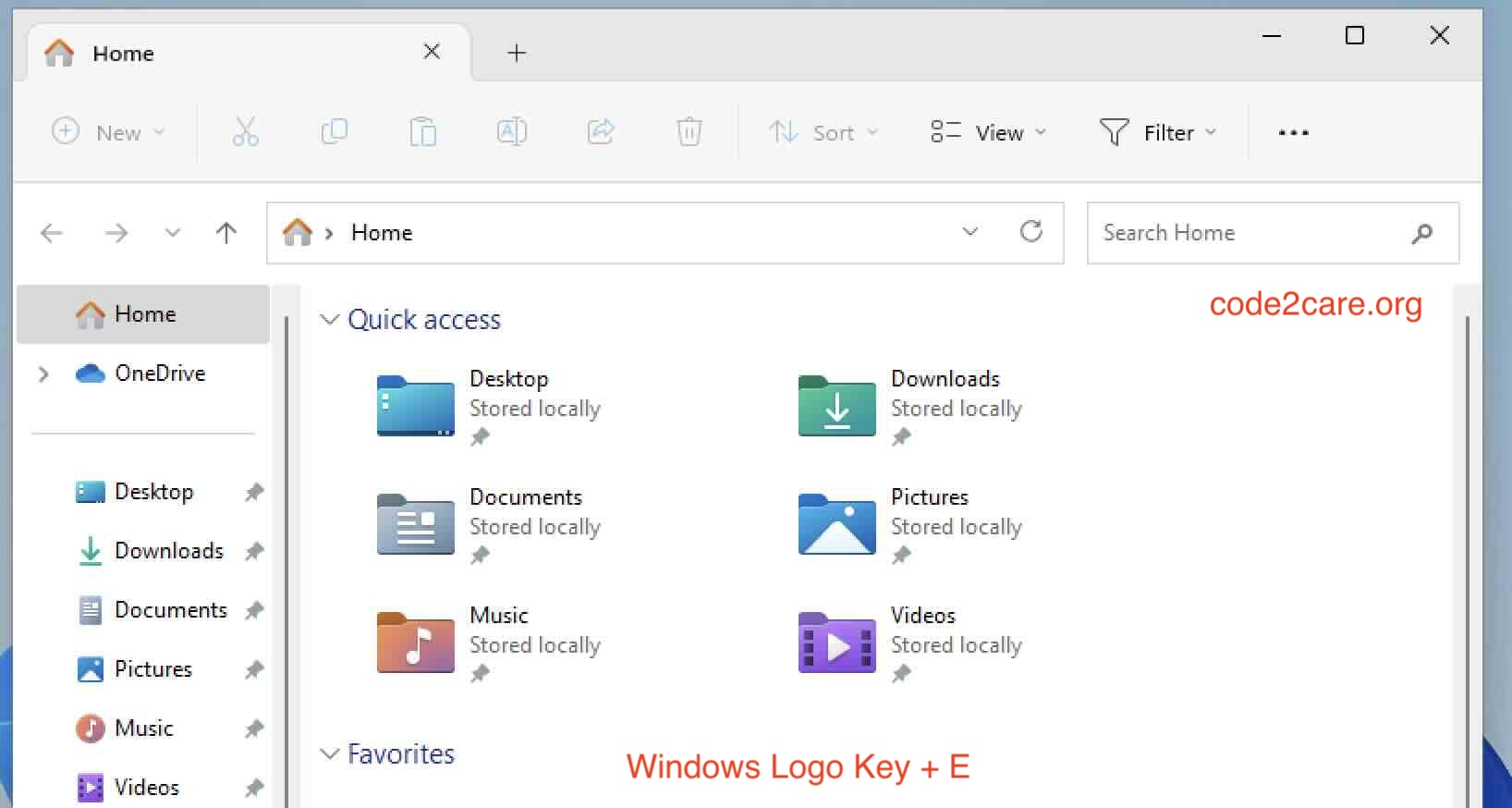
| Windows logo key + E | Opens File Explorer
 |
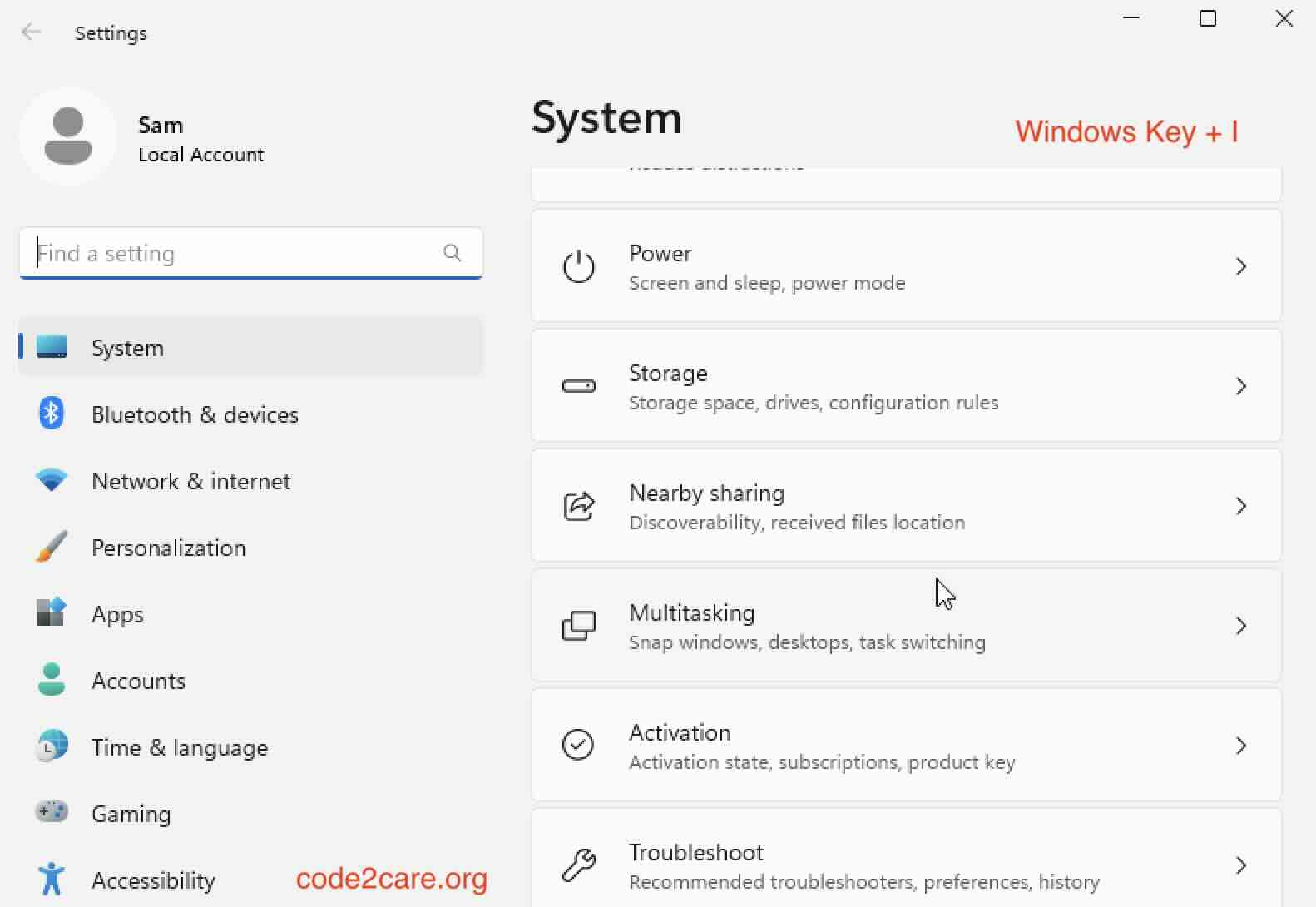
| Windows logo key + I | Opens Settings
 |
| Windows logo key + L | Locks your computer |
| Windows logo key + M | Minimizes all windows |
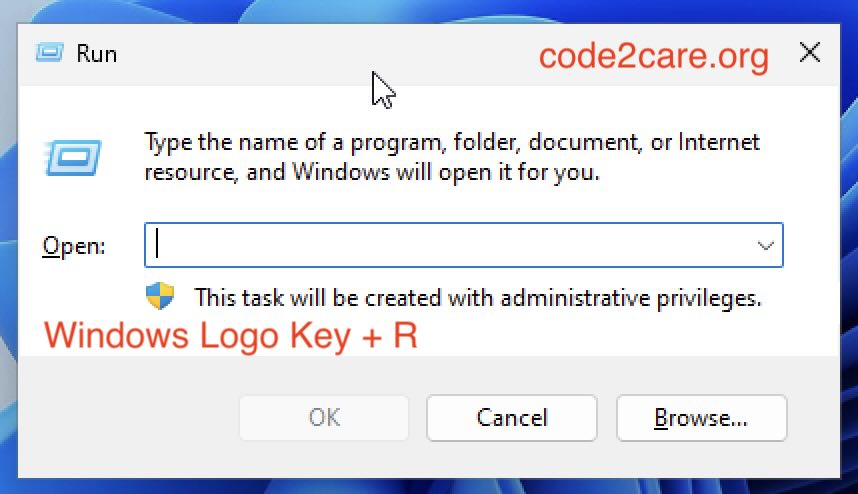
| Windows logo key + R | Opens the Run command.
 |
| Windows logo key + S | Opens Search |
| Windows logo key + Tab | Switches to Task View, a selected window will return with focus |
| Windows logo key + Up arrow | Moves up through the sequence of Minimized > Windowed > Maximized for the focused window |
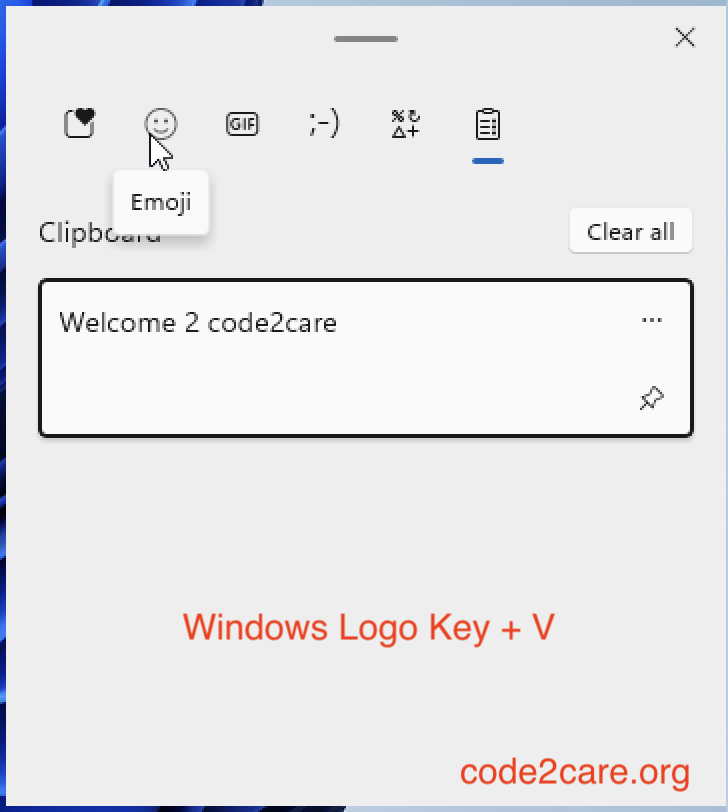
| Windows logo key + V | Opens Clipboard history to do copy and paste.
 |
| Windows logo key + X | Opens the Quick Link menu (WinX menu) |
Provide Feedback For This Article
We take your feedback seriously and use it to improve our content. Thank you for helping us serve you better!
😊 Thanks for your time, your feedback has been registered!
Comments & Discussion
Facing issues? Have questions? Post them here! We're happy to help!