
To turn off the location services on the new macOS Ventura 13, follow the below steps,
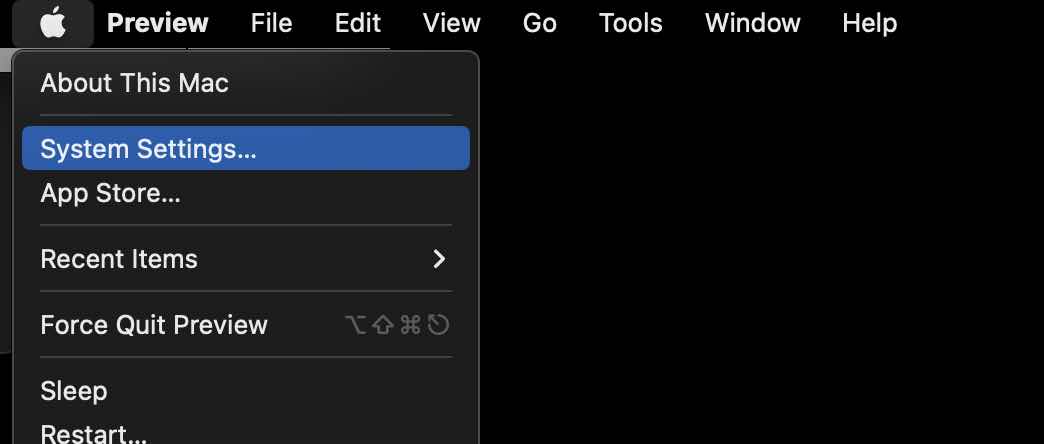
- Click on the Apple Logo on the macOS Menu bar,
- Now Select System Settings...
- Now Select Privacy & Security from the Settings sidebar,
- You would see Location Service at the top, click on it and turn it off!
- You will get a Pop-up Turning off Location Services will prevent you from locating this Mac with Find My Mac. So instead it's better to turn off Location services to specific applications.

Provide Feedback For This Article
We take your feedback seriously and use it to improve our content. Thank you for helping us serve you better!
😊 Thanks for your time, your feedback has been registered!
Comments & Discussion
Facing issues? Have questions? Post them here! We're happy to help!