If Microsoft Excel is the application that you spend most of the day, then you surely have some favorite features that you are using a lot. Keeping such features customized can help you save a lot of time.
If you have recently started working with a Mac/Macbook and using the Excel for Mac application, you may be wondering how can I customize the Ribbions?
Let's find out in below easy steps below,
- Step 1: Open an Excel Spreadsheet on your Mac.
- Step 2: Not go to Menu: Excel -> Preferences...
- Step 3: Select the Ribbon & Toolbar icon.
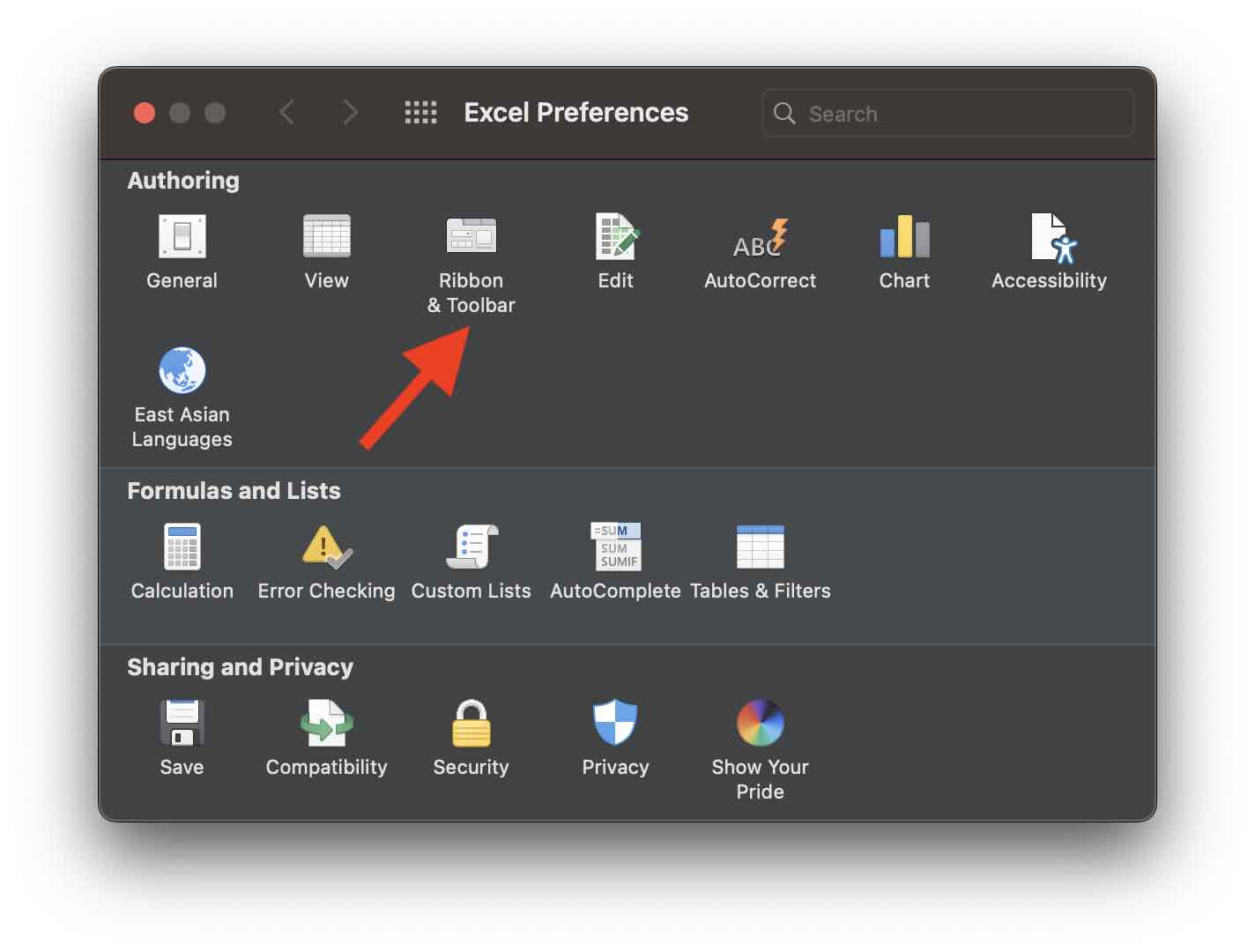
- Step 4: Under Ribbon tab you can customize the Ribbon Menu and Options as shown in the below screenshot.


This is not an AI-generated article but is demonstrated by a human on an M1 Mac running macOS Sonoma 14.0.
Please support independent contributors like Code2care by donating a coffee.
Buy me a coffee!
Comments & Discussion
Facing issues? Have questions? Post them here! We're happy to help!