
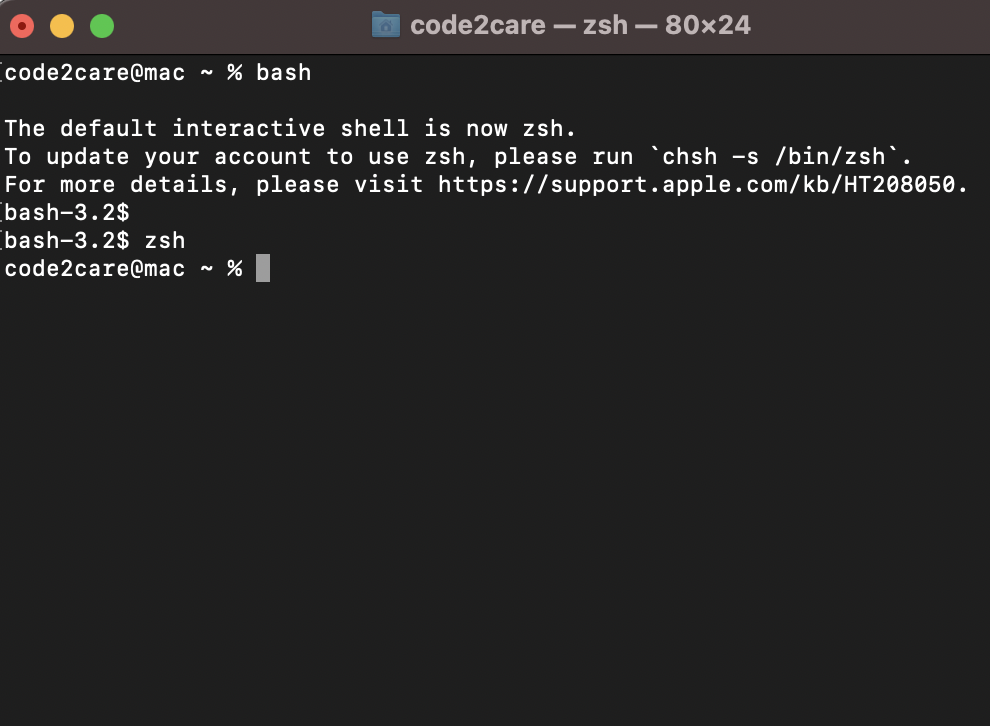
To move from the Zsh shell on macOS to Bash, all you do is type bash on the Terminal prompt. Let's see it by an example,
code2care@mac ~ % bash

The default interactive shell is now zsh.
To update your account to use zsh, please run `chsh -s /bin/zsh`.
For more details, please visit https://support.apple.com/kb/HT208050.
bash-3.2$
As you can see that I switched from % (Zsh) to $ (Bash) just by tying the bash command.
✌️As Zsh is the default shell for macOS since Catalina, you will see the alert message when you switch to bash saying the default shell is zsh. To get back to Zsh, yes you got it right! Just type zsh
If you permanently want to move from Zsh to bash prompt follow this post - https://code2care.org/macos/macos-monterey-when-switch-to-bash-the-default-interactive-shell-is-now-zsh
This post is not yet updated for macOS 13 VenturaProvide Feedback For This Article
We take your feedback seriously and use it to improve our content. Thank you for helping us serve you better!
😊 Thanks for your time, your feedback has been registered!
Comments & Discussion
Facing issues? Have questions? Post them here! We're happy to help!