
To install OpenJDK on Mac running on Intel or M1/M2 ARM Apple Silicon chip, you can make use of the brew install openjdk command, but if you use it without any version of the lasted Java JDK will get installed which is JDK 18 as of September 2022.
Installing Specific Version of OpenJDK using Brew
Installing Java JDK 8 (ONLY WORKS FOR Intel x86_64)% brew install openjdk@8
Note: OpenJDK 8 is only available for x86_64 architecture,
so you will get an error if you are on ARM M1/M2 Chip.

openjdk@8: The x86_64 architecture is required for this software.
Error: openjdk@8: An unsatisfied requirement failed this build.

You will need to go for other vendors like azul.

brew tap homebrew/cask-versions
brew install --cask zulu8
Installing Java JDK 11
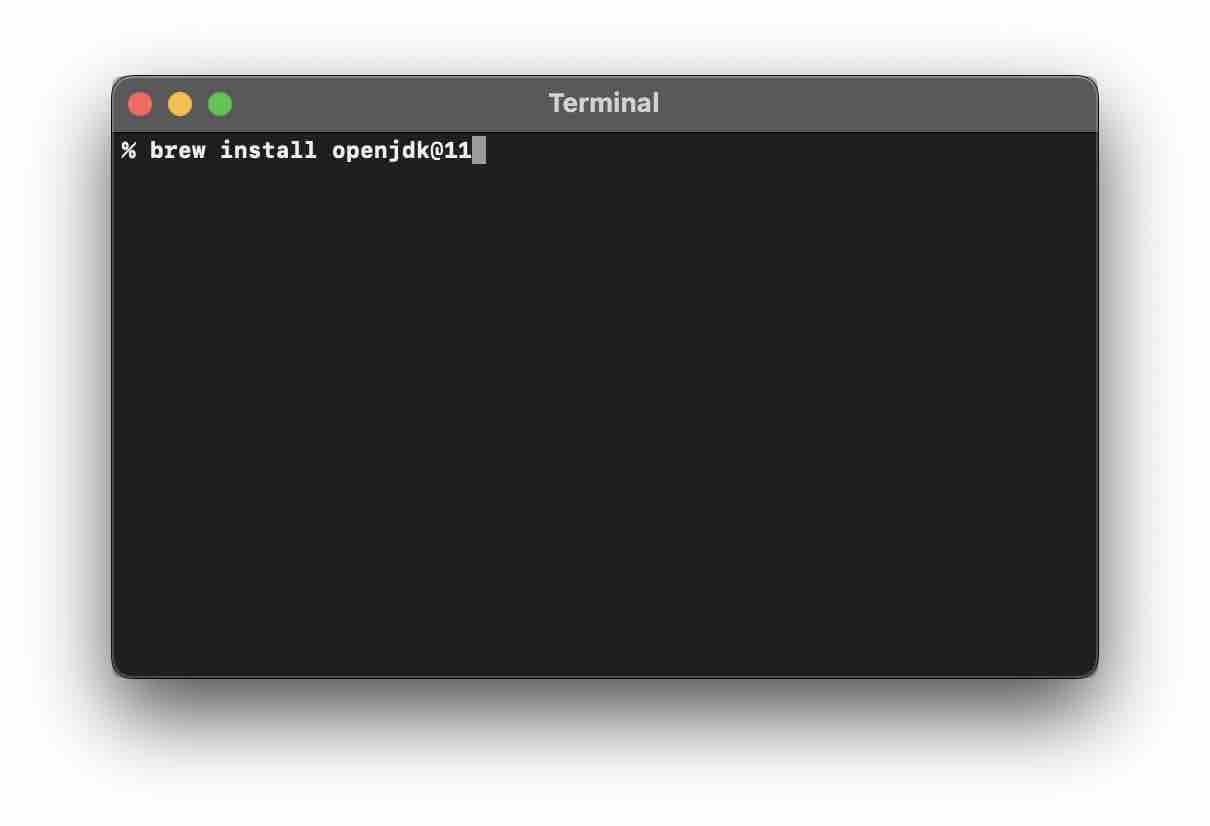
% brew install openjdk@11
Installing Java JDK 17
% brew install openjdk@17
Provide Feedback For This Article
We take your feedback seriously and use it to improve our content. Thank you for helping us serve you better!
😊 Thanks for your time, your feedback has been registered!
Comments & Discussion
Facing issues? Have questions? Post them here! We're happy to help!