
If you have a use case where you want to trigger a Notification Alert on your Mac using the terminal, you can do that using the osascript display notification command,
Example:osascript -e 'display notification "Message!" with title "Title"'
You can also add subtitle to the notification using subtitle, example,
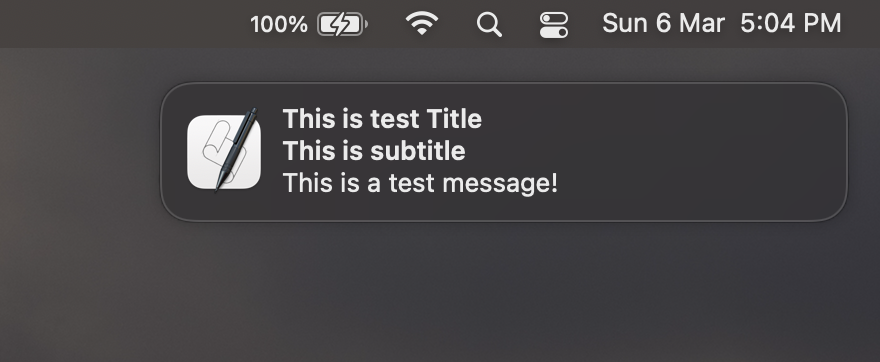
% osascript -e '
display notification "This is a test message!"
with title "This is test Title"
subtitle "This is subtitle"' Provide Feedback For This Article
We take your feedback seriously and use it to improve our content. Thank you for helping us serve you better!
😊 Thanks for your time, your feedback has been registered!
Comments & Discussion
Facing issues? Have questions? Post them here! We're happy to help!