
By default the time shown on the right corner of the Apple Mac Menu Bar displays only hours and minutes. If you want to display even the seconds, then follow the below steps,
- Click on the Apple icon on the Menu bar,
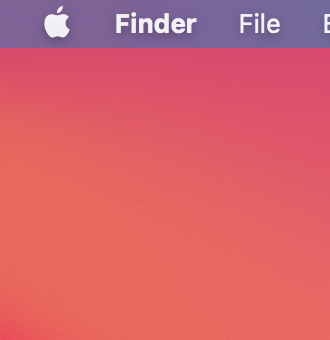
Click on the Apple logo on Mac Menu Bar - Select System Prefernces...,
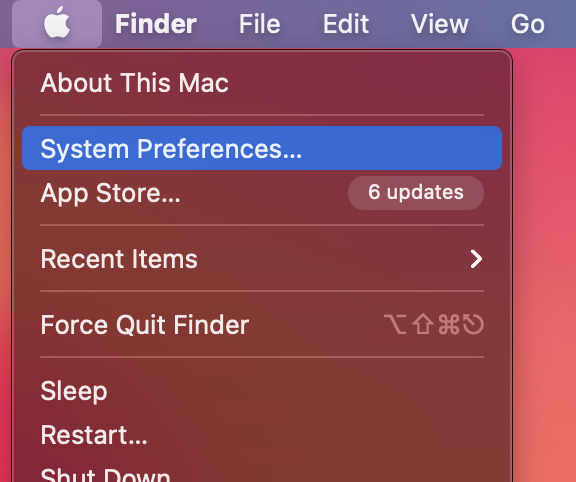
Select System Preferences - Now Click on Dock & Menu Bar,
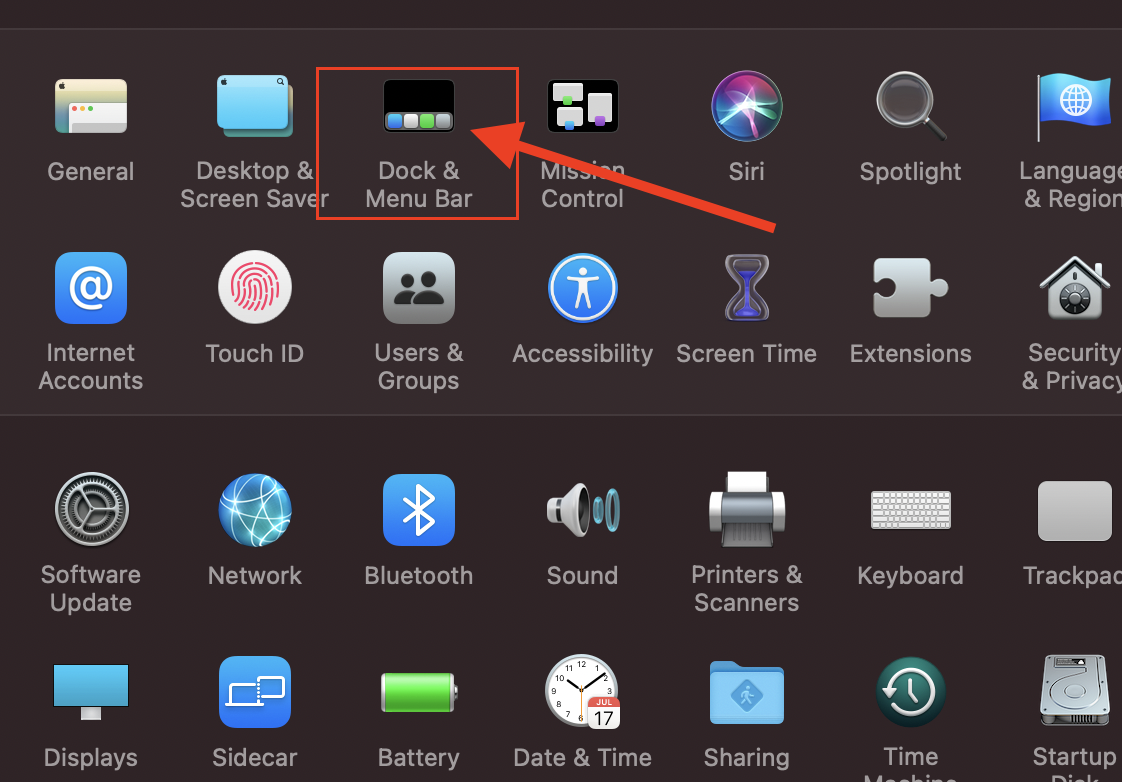
Dock and Menu Bar Option - Scroll down and under Manu Bar Only, select Clock,
- Under Time Options, select - Display the time with seconds,

Select Seconds Dock and Menu Bar Options - Now you should see time displaying seconds as well on the digital clock on the menu bar.
Have Questions? Post them here!
Provide Feedback For This Article
We take your feedback seriously and use it to improve our content. Thank you for helping us serve you better!
😊 Thanks for your time, your feedback has been registered!
Comments & Discussion
Facing issues? Have questions? Post them here! We're happy to help!