
Let us take a look at how to write a simple AppleScript with TextEdit on the Mac.
- Open TextEdit application
- Write a simple "hello world" example.
display dialog "Hello, World!" - Save the file with an extension - .scpt
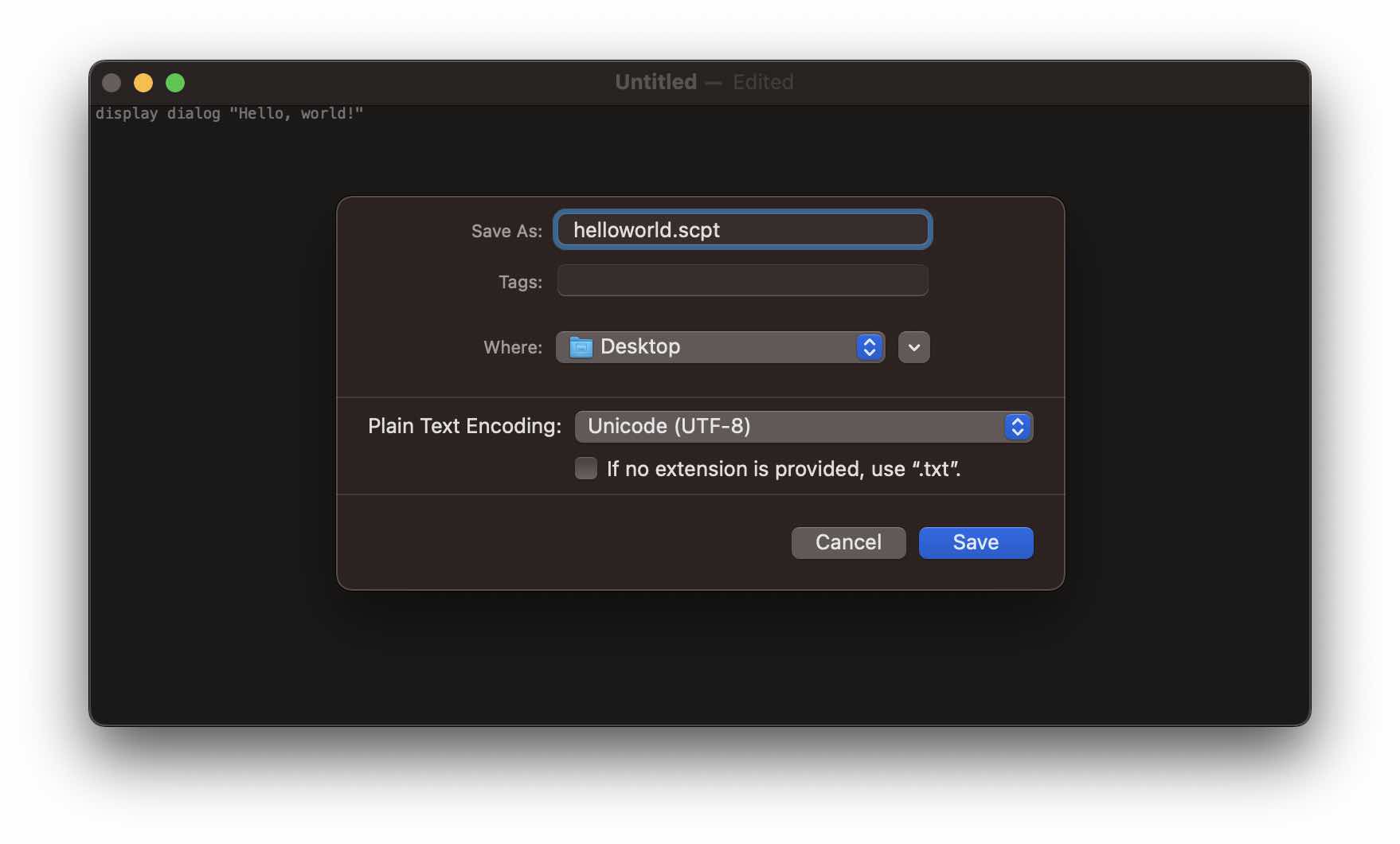
- When you double-click on the file, it will open up Script Editor.
- Click on the run button and you should see a prompt with "Hello, World!"

Provide Feedback For This Article
We take your feedback seriously and use it to improve our content. Thank you for helping us serve you better!
😊 Thanks for your time, your feedback has been registered!
Comments & Discussion
Facing issues? Have questions? Post them here! We're happy to help!