
If you want to unlock FPS for Roblox on Mac you can install rbxfpsunlocker-osx repo from GitHub.
How to install Roblox FPS Unblocker on Mac
- Make sure Roblox is not running
- Go to the repo: https://github.com/lanylow/rbxfpsunlocker-osx/tree/script
- Copy the CURL command.
curl -f https://raw.githubusercontent.com/lanylow/rbxfpsunlocker-osx/script/install_fps_unlocker | sh - Open the Mac Terminal and run the above CURL, it should run the below script and you must see the success message.
#!/bin/sh

targetFps=10000
robloxPath="/Applications/Roblox.app"

if [ ! -d $robloxPath ]; then
  $robloxPath="~$robloxPath"

  if [ ! -d $robloxPath ]; then
    echo "Roblox installation folder couldn't be found."
    exit
  fi
fi

clientSettingsPath="$robloxPath/Contents/MacOS/ClientSettings"

if [ ! -d "$clientSettingsPath" ]; then
  mkdir $clientSettingsPath
fi

echo "{\"DFIntTaskSchedulerTargetFps\": $targetFps}" > "$clientSettingsPath/ClientAppSettings.json"
echo "The FPS unlocker has been installed in $robloxPath"%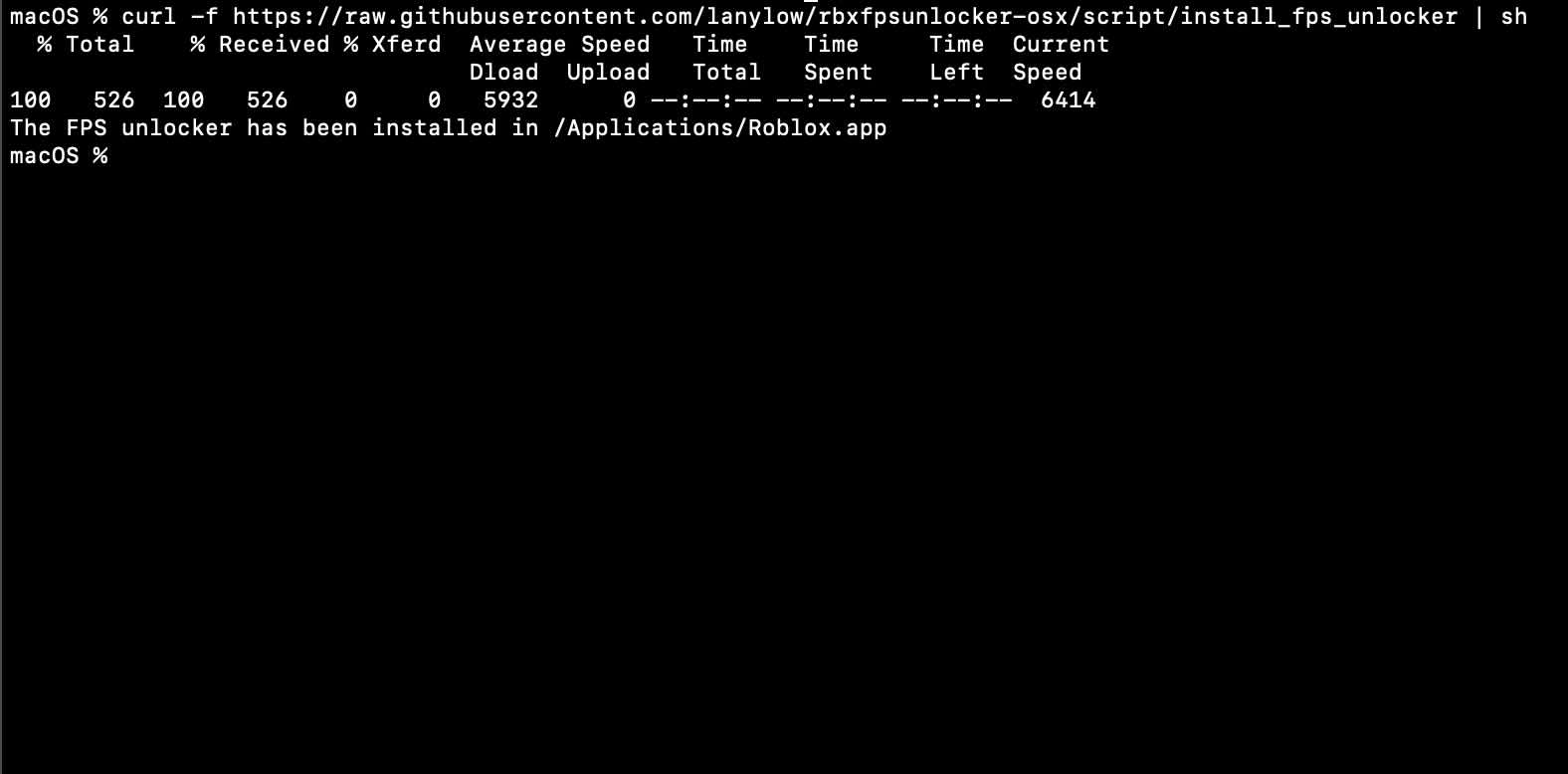
Provide Feedback For This Article
We take your feedback seriously and use it to improve our content. Thank you for helping us serve you better!
😊 Thanks for your time, your feedback has been registered!
Comments & Discussion
Facing issues? Have questions? Post them here! We're happy to help!