
By default when you do an HTTP GET/POST/PUT/DELETE method request using the cURL command, the output is displayed on the console (standard output)
In order to save the output of a cURL command to a file make use of the -o or --output option followed by the filename and the URL.
Example:% curl -o sample.csv https://code2care.org/sample.csv
% Total % Received % Xferd Average Speed Time Time Time Current
Dload Upload Total Spent Left Speed
100 59 100 59 0 0 621 0 --:--:-- --:--:-- --:--:-- 670
% cat sample.csv
1,Sample-1,100
2,Sample-2,200
3,Sample-3,300
4,Sample-4,400
Note: Make use of -O (capital letter O) if you want to save the file as that at the remote location.
Example:% curl -O https://code2care.org/sample.csv
% Total % Received % Xferd Average Speed Time Time Time Current
Dload Upload Total Spent Left Speed
100 59 100 59 0 0 612 0 --:--:-- --:--:-- --:--:-- 655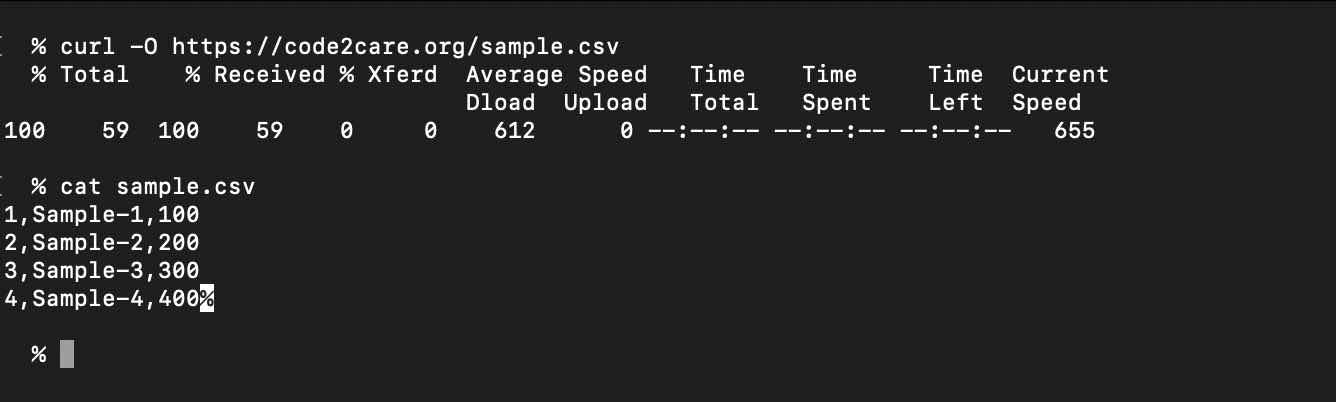
Provide Feedback For This Article
We take your feedback seriously and use it to improve our content. Thank you for helping us serve you better!
😊 Thanks for your time, your feedback has been registered!
Comments & Discussion
Facing issues? Have questions? Post them here! We're happy to help!