You can always go to the Terminal Settings and change the font size of the text of the console, but if you wish to achieve the same using a command on your shell, you can make use of the AppleScript - osascript command.
All you need to do is run the osascript command and tell to change the Terminal application font size to the size that you want - increase or decrease based on the number you provide,
Examples:
osascript -e 'tell application "Terminal" to set font size of window 1 to 14'
osascript -e 'tell application "Terminal" to set font size of window 1 to 24'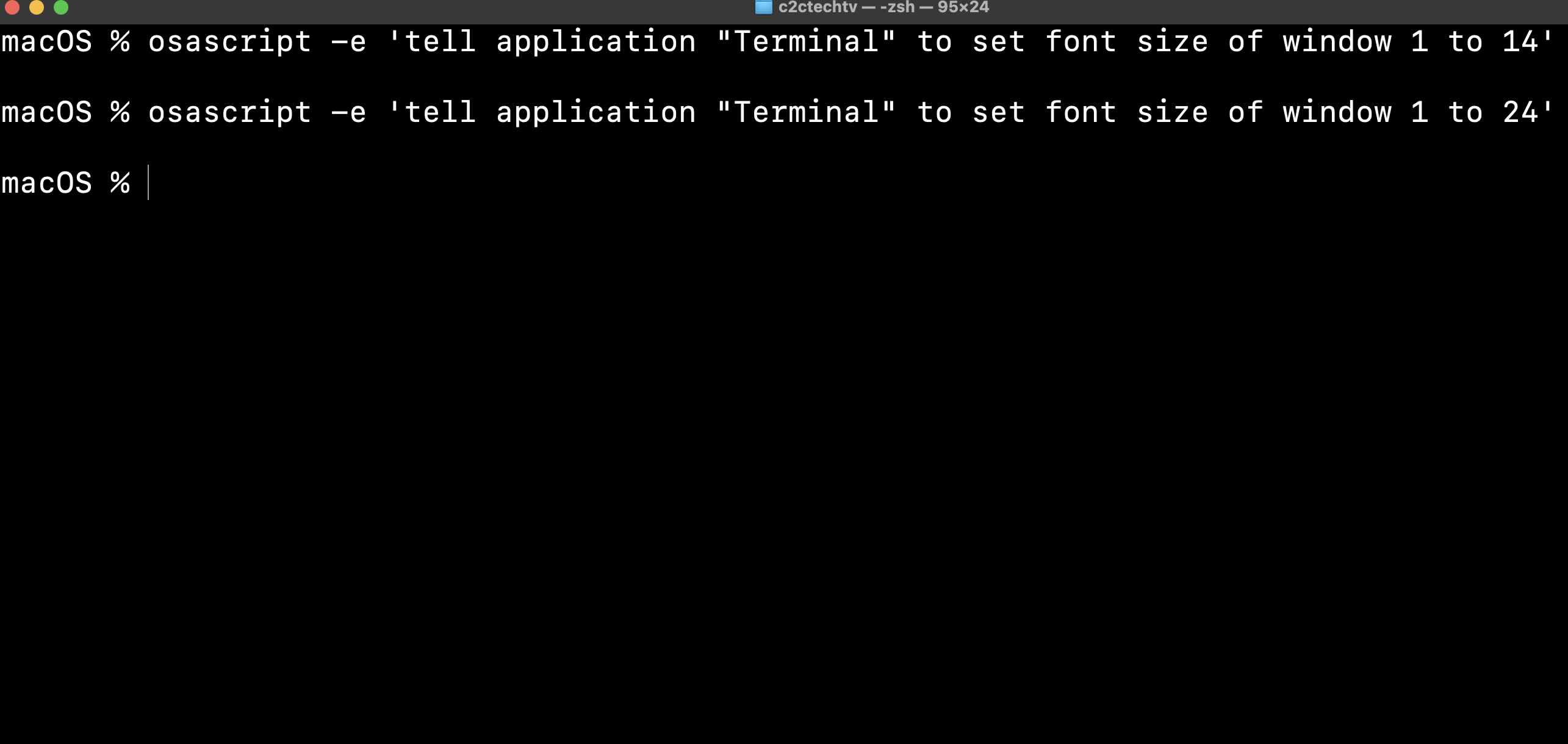

This is not an AI-generated article but is demonstrated by a human on an M1 Mac running macOS Sonoma 14.0.
Please support independent contributors like Code2care by donating a coffee.
Buy me a coffee!
Comments & Discussion
Facing issues? Have questions? Post them here! We're happy to help!