If you want to save a file in Notepad (or Notepad++ or any other text editor) as a Microsoft Excel file that has to be a .csv extension (Comma Separated File)
To make sure columns are separate from each other you would have to make use of commas and to separate lines make use of the Enter key (adds a new line)
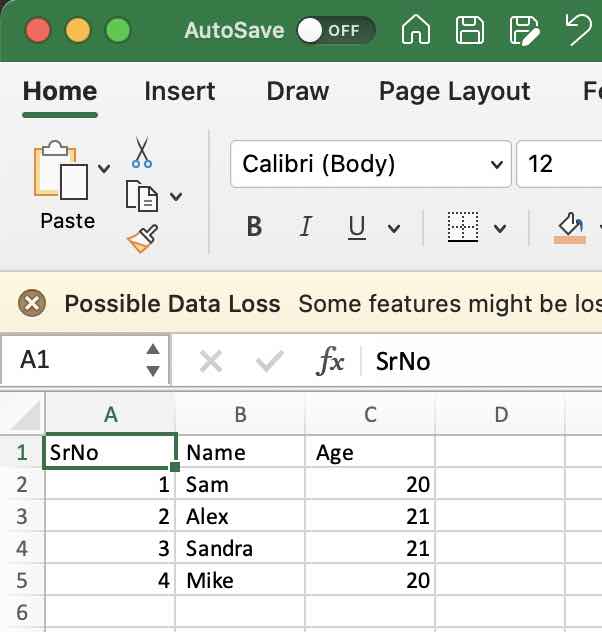
Example:SrNo, Name, Age
1, Sam, 20
2, Alex, 21
3, Sandra, 21
4, Mike, 20The first line (optional) could be the header.
Make sure to save this file as filename.csv (select save as file: All types, or save the file within double quotes example: "myfile.csv")


This is not an AI-generated article but is demonstrated by a human on a Windows 11 device.
Please support independent contributors like Code2care by donating a coffee.
Buy me a coffee!
Comments & Discussion
Facing issues? Have questions? Post them here! We're happy to help!