Steps to Locate eclipse.ini File on macOS
- Open Finder.
- Navigate to the Applications folder.
- Right-click on the Eclipse application.
- Select "Show Package Contents" from the context menu.

- Open the "Contents" folder.
- Open the "Eclipse" folder.
- Locate the "eclipse.ini" file within the Eclipse folder.
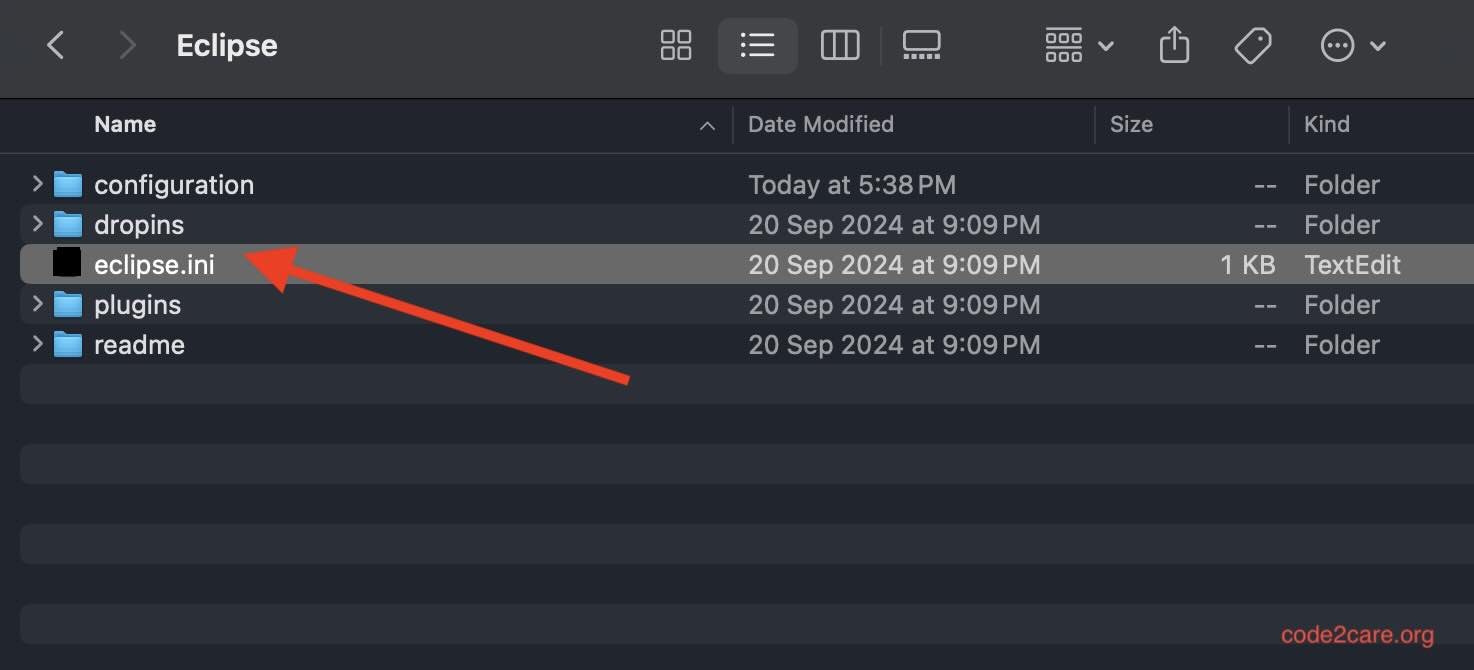

This is not an AI-generated article but is demonstrated by a human on an M1 Mac running macOS Sonoma 14.0.
Please support independent contributors like Code2care by donating a coffee.
Buy me a coffee!
Comments & Discussion
Facing issues? Have questions? Post them here! We're happy to help!